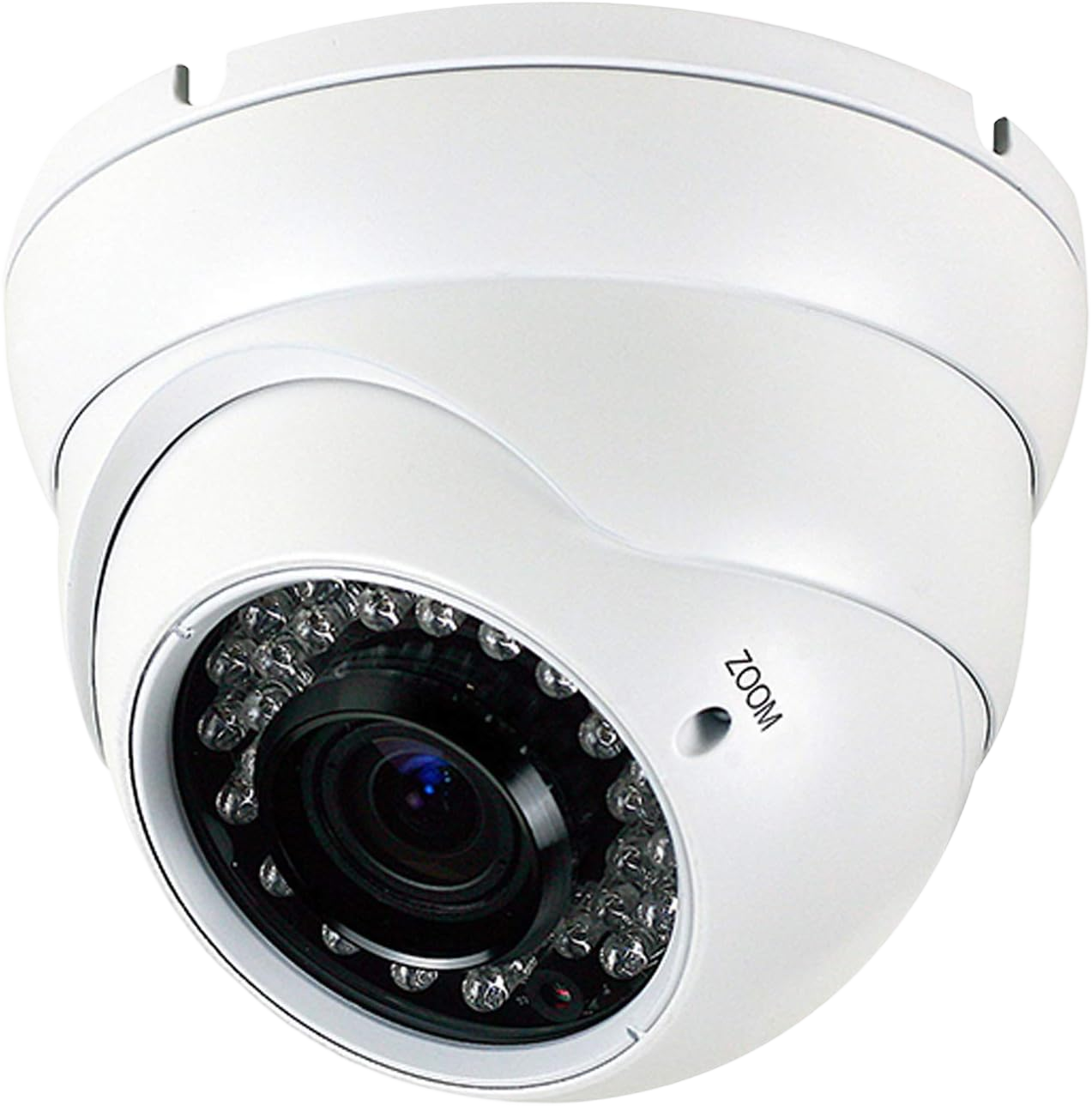
One of the first questions people ask when planning a security system is simple: how many cameras do I need? It sounds like a straightforward question — but the honest answer is that it depends on your property, your priorities, and the level of coverage you’re looking for.
In this guide, we break down how many security cameras a house should have, how many outdoor cameras you need, what factors determine the right number for a business, and how to make sure your system has zero blind spots.
Why the Number of Cameras Matters
Too few cameras and you have blind spots — areas where incidents can occur with no footage, no evidence, and no accountability. Too many cameras without a clear plan and you end up with overlapping angles, wasted budget, and a system that’s harder to manage than it needs to be.
The goal isn’t to install as many security cameras as possible. The goal is to install exactly the right cameras in exactly the right locations — so that every critical area of your property is covered, clearly and consistently.
How Many Security Cameras Does a House Need?

For most residential properties, 4 to 8 security cameras provide comprehensive home coverage. Here’s how that typically breaks down:
Minimum coverage (4 cameras):
- Front door / main entrance
- Back door or rear entry point
- Driveway or garage
- Side yard or secondary access point
This covers the four most common entry and exit points on a typical home. For smaller properties or apartments, 4 well-placed security cameras for the house can provide solid baseline protection.
Standard coverage (6–8 cameras):
- Front door
- Back door
- Driveway / garage
- Side yards (left and right)
- Backyard
- Interior hallway or main living area (optional)
For larger homes, properties with multiple outbuildings, or homeowners who want comprehensive outdoor and indoor coverage, 6 to 8 cameras is the more common recommendation.
How many cameras should a house have in NYC specifically? In New York City, residential security needs are shaped by the density and layout of the property. A brownstone in Brooklyn with a front stoop, rear garden, and basement entry may need 5 to 6 cameras to cover all access points. A ground-floor apartment may need 2 to 3 focused on the entry and immediate perimeter. A full townhouse across multiple floors may need 8 or more.
The key isn’t a magic number — it’s full coverage of every realistic entry point and high-risk zone.
How Many Outdoor Cameras Do I Need?
Outdoor cameras are your first line of defense — they deter potential intruders before they ever reach your door. For most homes, 3 to 6 outdoor cameras provide complete perimeter coverage.
When planning how many outdoor cameras you need, focus on these zones:
Front of property: At minimum, one camera covering the front entrance and the approach from the street. A wide-angle camera at the roofline can cover the full front facade and driveway in a single frame.
Rear of property: Back doors and rear yards are common entry points for break-ins — and the least visible from the street. At least one camera covering the rear entry and yard is essential.
Side access points: If your property has side gates, side doors, or narrow passages between buildings (common in NYC row houses and attached homes), at least one camera per side keeps these blind spots covered.
Garage and driveway: Vehicle theft and break-ins are among the most common property crimes. A dedicated camera covering the driveway and any garage entrance is a high-value placement.
Additional considerations for outdoor cameras:
- Corners and rooflines offer wider fields of view and are harder to tamper with
- Motion-activated cameras reduce storage requirements and alert you to activity faster
- Night vision and weatherproof ratings are non-negotiable for outdoor placements in New York’s climate
How Many Security Cameras Do I Need for a Business?
Commercial properties have different security requirements than residential ones — more entry points, more zones to protect, more people coming and going, and higher stakes when incidents occur.
For small businesses (retail shops, restaurants, small offices), 4 to 8 cameras typically cover:
- Main entrance and exit
- Point-of-sale area or cash register
- Storage room or back office
- Parking lot or exterior entry
For medium-sized commercial properties (multi-floor offices, larger retail, warehouses), 8 to 16 cameras are more appropriate, covering:
- All entry and exit doors
- Hallways and stairwells
- Parking areas
- Server rooms or high-value storage areas
- Reception and common areas
- Loading docks
For large commercial properties, multi-tenant buildings, or properties with complex layouts, 16 or more cameras may be required — with a professional site assessment being the only reliable way to determine exact placement and quantity.
NYC-specific considerations for businesses: New York City businesses face unique security challenges — high foot traffic, dense urban environments, and 24/7 operations. For retail businesses in areas like Midtown, SoHo, or Williamsburg, visible security cameras also serve a strong deterrent function, reducing shoplifting and deterring vandalism.
Key Factors That Determine How Many Cameras You Need
Beyond property type, several specific factors influence how many security cameras are right for your situation:
Property size and layout. Larger properties need more cameras. Properties with irregular layouts — multiple wings, outbuildings, attached structures — need more careful placement to avoid blind spots.
Number of entry and exit points. Every door, gate, window at ground level, and accessible entry point is a potential vulnerability. Each should be covered by at least one camera with a clear angle on who enters and exits.
Indoor vs. outdoor coverage. Outdoor cameras protect the perimeter; indoor cameras for the house add a second layer of protection inside. Interior cameras are particularly valuable in commercial settings and in homes with regular service visitors, staff, or high-value assets.
Resolution and field of view. Higher-resolution cameras with wide-angle lenses cover more ground per unit — meaning you may need fewer cameras to achieve the same coverage compared to older, lower-resolution equipment. This is where camera selection and system design matter as much as quantity.
Lighting conditions. Areas with poor lighting — side alleys, rear yards, underground parking — require cameras with strong night vision or infrared capability. Without this, even a well-placed camera produces unusable footage after dark.
Storage and monitoring requirements. More cameras mean more footage to store and review. Planning for adequate DVR/NVR storage capacity, cloud backup, and — if needed — professional monitoring is part of building the right system from the start.
Where to Place Security Cameras for Maximum Coverage

Knowing how many cameras you need is step one. Knowing where to place them is equally important. Here are the universal placement principles that professional installers follow:
Cover all entry and exit points first. Front doors, back doors, side doors, garage entrances, and ground-floor windows are the priority. These are where incidents begin.
Aim for overlapping coverage at high-risk zones. A single camera can have a blind spot. Two cameras with slightly different angles on the same area eliminate that risk.
Mount at the right height. Too low and cameras are easy to tamper with or block. Too high and facial recognition becomes difficult. The optimal height for most installations is 8 to 10 feet — high enough to be tamper-resistant, low enough to capture clear facial detail.
Avoid pointing cameras directly at light sources. Positioning a camera facing the sun or a bright light washes out the image. Angle cameras away from direct light sources for consistent, usable footage.
Think about your neighbors and public spaces. In NYC, camera placement must respect privacy boundaries — pointing a camera directly into a neighbor’s window or a public area beyond your property line can create legal issues. A professional installer will ensure your system is compliant.
Security Cameras for Your House – Do You Need Indoor Cameras Too?
Most homeowners focus primarily on outdoor coverage — and that’s the right starting point. But security cameras inside the house add meaningful value in certain situations:
- Homes with regular housekeepers, contractors, or service visitors
- Families monitoring children or elderly relatives
- High-value assets like art, jewelry, or home offices with sensitive equipment
- Vacation homes or properties that are unoccupied for extended periods
For interior placement, 1 to 2 cameras covering the main entryway, living area, or staircase is typically sufficient for most residential properties. The goal is a secondary layer of visibility — not surveillance of every room.
Why Professional Installation Makes the Difference
Buying security cameras is easy. Installing them in the right locations, with the right angles, connected to a properly configured recording system, with no blind spots and no wiring issues — that takes expertise.
At Lock and Tech, our licensed technicians conduct a thorough site assessment before recommending a single camera. We evaluate your property layout, identify all entry points and high-risk zones, recommend the right camera types and quantities for your specific needs, and install everything cleanly and professionally.
We install security camera systems for:
- Residential homes and apartments across NYC and New Jersey
- Commercial businesses — retail, office, hospitality, and more
- Multi-unit residential buildings and property managers
- Co-ops, condos, and mixed-use developments
Every system we install is tested, documented, and backed by ongoing support.
Ready to Find Out Exactly How Many Cameras You Need?
Stop guessing — let our team assess your property and give you a precise recommendation based on your layout, your risks, and your budget.
Lock and Tech offers free on-site consultations across New York City and New Jersey. We’ll walk through your property with you, identify every blind spot, and design a security camera system that gives you complete, reliable coverage.
The right number of cameras — installed in the right places — is the difference between a security system that works and one that just looks like it does.