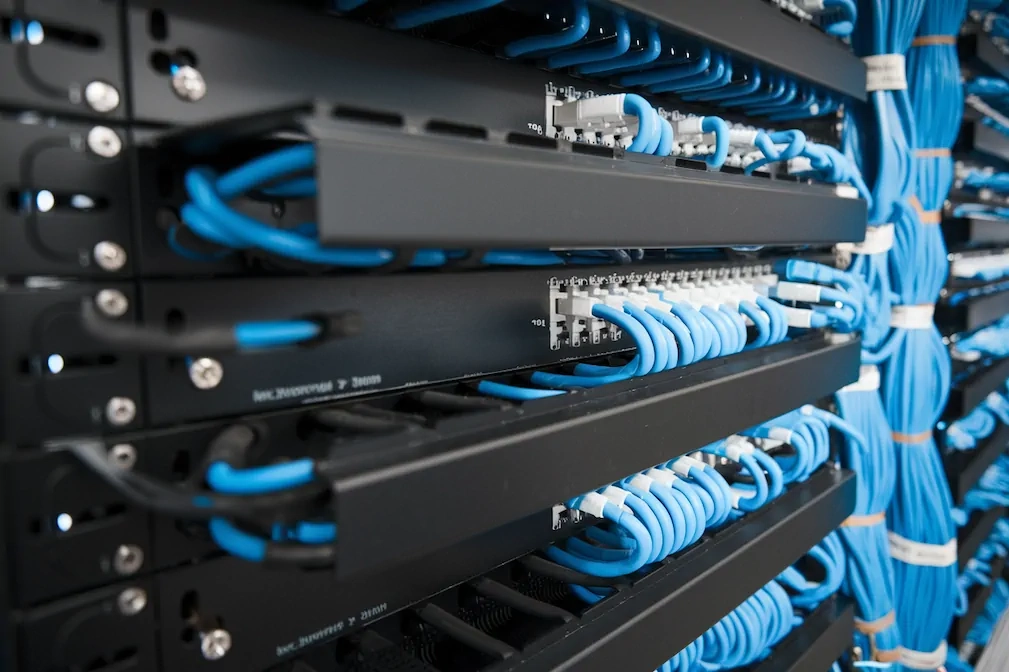
If your office Wi-Fi keeps dropping, your VoIP phones sound like they’re underwater, or your server closet looks like a plate of linguine — the cabling is the problem. Not the router, not the ISP, not the IT guy. The wires behind the walls. This guide explains what structured cabling is, how it’s different from the ad-hoc mess most offices have, and what it actually costs to fix.
The Short Answer
Structured cabling is a planned, labeled, and standardized network of cables that runs every data jack, phone line, camera, and access reader in your building back to a central cabinet. Instead of pulling a new cable every time you add a device, everything patches through one organized system. It costs more to install, but it lasts 15–25 years, and you stop paying for emergency fixes every six months.
What Structured Cabling Actually Is
Think of it as the nervous system of your building. Every device — computers, phones, security cameras, access readers, printers, Wi-Fi access points — runs back to one central hub through a planned cable layout. Every cable is labeled. Every termination is documented. Every run meets a published standard.
The alternative is point-to-point wiring: someone needed a new network drop in 2019, so they pulled a cable from the nearest switch. Then someone needed another one in 2021, so they pulled another. Five years later, nobody knows what goes where, and troubleshooting takes hours.
The standards that define structured cabling come from the TIA (Telecommunications Industry Association) and ISO/IEC. They dictate what cable to use, how to terminate it, how to label it, and how to test it. Any certified installer works to these same rules, so the system is predictable and upgradable for the next tech who touches it.
The Six Parts of a Structured Cabling System
A structured cabling system has six pieces, each with a specific job:
- Entrance Facilities. Where the cables from your internet provider or phone company enter the building. This is the demarcation point between “their problem” and “your problem.”
- Equipment Room. The central room (or closet) where your servers, switches, main patch panel, and core networking gear live. This is the brain.
- Backbone Cabling. The cables that run between floors or between buildings. Also called vertical cabling. Usually fiber optic, because you need high bandwidth over long distances.
- Telecommunications Room. A smaller closet on each floor or in each zone, where the backbone meets the horizontal cabling. Houses local switches and patch panels.
- Horizontal Cabling. The cables that run from the floor’s telecom room out to each individual wall jack. This is what people usually mean when they say “network cable” — Cat6 or Cat6A copper.
- Work Area. The wall outlets, patch cords, and connectors at every desk. The end point where a user plugs in.
You don’t need to memorize this. But when an installer says “the backbone needs upgrading” or “your equipment room is too small,” this is the vocabulary.
Cat5e vs Cat6 vs Cat6A vs Fiber
The cable you choose determines how fast your network can run, how far the signal travels, and how long the install lasts before you need to rip it out. Here’s what’s on the market:
| Cable Type | Max Speed | Max Distance | Typical Use | Relative Cost |
|---|---|---|---|---|
| Cat5e | 1 Gbps | 100 m (328 ft) | Legacy offices, small home setups | Cheapest |
| Cat6 | 1 Gbps (10 Gbps up to 55 m) | 100 m | Most small offices, retail, home | Low-mid |
| Cat6A | 10 Gbps | 100 m | New commercial builds, dense offices, PoE cameras | Mid-high |
| Fiber (OM4/OS2) | 40–400 Gbps | 300 m – 40 km | Between floors, between buildings, data centers | Highest |
The practical rule in 2026: if you’re doing new horizontal cabling in a commercial space, spec Cat6A. Cat6 still works for most offices, but Cat6A handles 10-gigabit speeds and plays better with Power over Ethernet, which matters if you’re running PoE cameras or Wi-Fi 6/7 access points. Cat5e is fine for existing installs that already run well — no reason to rip it out just to replace it.
For the backbone between floors or between buildings, use fiber. Copper over long distances picks up interference and loses speed. Fiber doesn’t.
What It Costs in NYC
Pricing for structured cabling is usually quoted per drop — meaning per network jack installed at a desk, camera, or access point. A drop includes the cable run, wall outlet, patch panel termination, labeling, and testing.
| Project Size | Typical Cost per Drop | Example Total |
|---|---|---|
| Small office (5–15 drops) | $150–$250 | 10-drop office: $1,500–$2,500 |
| Mid-size office (20–50 drops) | $125–$200 | 30-drop office: $3,750–$6,000 |
| Large build-out (75+ drops) | $100–$175 | 100-drop floor: $10,000–$17,500 |
| Fiber backbone (per floor) | $1,500–$4,000 | Depends on distance and cable count |
Prices vary based on building type. A new Midtown office with open ceilings costs less per drop than a pre-war Financial District building with plaster walls and no accessible conduit. NYC fire code also requires plenum-rated cable in air-handling spaces, which costs about 30% more than standard riser cable — a legitimate line item, not an upsell.
Why Ad-Hoc Wiring Fails
Most offices don’t think about cabling until something breaks. Here’s what usually goes wrong with unstructured setups:
Nobody knows what’s plugged into what. Cables aren’t labeled, so finding the one causing a problem means tracing it by hand through a ceiling tile maze. A 30-minute problem becomes a 3-hour problem.
Adding anything is a project. Need a new camera? New desk? New printer? Someone pulls another cable from the nearest switch, and the mess grows.
Speeds are inconsistent. Cat5 cable from 2008 running next to a fluorescent ballast gets interference and drops packets. Your conference room Zoom lag isn’t the cloud — it’s the wire.
Security systems share the mess. When your cameras and access control run on the same spaghetti as the office printers, every IT problem becomes a security problem.
No documentation when someone leaves. The one guy who knew where everything went quit in 2022. Now you’re paying someone to re-map the entire network from scratch.
Structured cabling fixes all of this by design. Every cable is labeled, every jack is on a diagram, every termination is tested and certified. Years later, anyone can walk in, read the documentation, and know exactly what’s happening.
What a Professional Install Actually Looks Like

A real structured cabling job has five phases. Any installer skipping one of these is cutting corners.
Site walk and design. The installer walks your space, counts desks, asks about planned growth, and maps the cable paths. You get a design document before work starts — not a napkin sketch.
Cable pull. Cables go through walls, ceilings, and conduit, following NYC fire code (plenum-rated where required). Runs stay under the 100-meter limit for copper. No cable crosses fluorescent lights at 90 degrees or sits on a drop ceiling as its only support.
Termination. Each cable ends at a keystone jack in the wall and a port on the patch panel in the telecom room. Terminations use the correct T568A or T568B wiring standard consistently across the job.
Testing and certification. Every single run gets tested with a Fluke or equivalent certifier. You get a printed report showing each cable passed TIA/EIA standards for length, attenuation, and crosstalk. If a cable fails, it gets re-terminated or replaced.
Documentation. You walk away with a labeled diagram of every drop, a patch panel map, and a list of equipment installed. When something breaks in 2029, the next tech can find the problem in minutes.
Structured Cabling for Different Spaces
Office buildings. The classic use case. Open-plan floors, private offices, conference rooms, and server rooms all tie back to a central rack. Cat6A horizontal, fiber backbone between floors.
Retail stores. Point-of-sale systems, customer Wi-Fi, security cameras, and back-office networks on one organized system. Especially critical in NYC where storefronts get renovated constantly and cabling needs to be moved, not re-pulled.
Coworking spaces. Tenants come and go. A structured system lets you re-assign drops to new members through a patch panel in 30 seconds, instead of re-wiring every time someone changes desks.
Multi-tenant commercial buildings. Each tenant gets their own zone in the cabling system, with clean separation. Makes the building more attractive to tech-focused tenants and simplifies billing for shared infrastructure.
Pre-war buildings. The trickiest case. Plaster walls, narrow stack shafts, and no existing conduit. A good installer plans routes through closets, along existing riser paths, or through hallway ceilings. Costs more, but it’s doable.
High-end residences. Smart homes with whole-house audio, home automation, multiple security cameras, and Wi-Fi mesh — all benefit from the same structured approach as commercial offices.
How It Connects to Your Security Systems
Most offices think of cabling and security as two separate projects. They’re not. Your cameras, access readers, intercoms, and alarm panels all run over the same network cable as your computers and phones. When the cabling is structured, all of that works reliably and scales together.
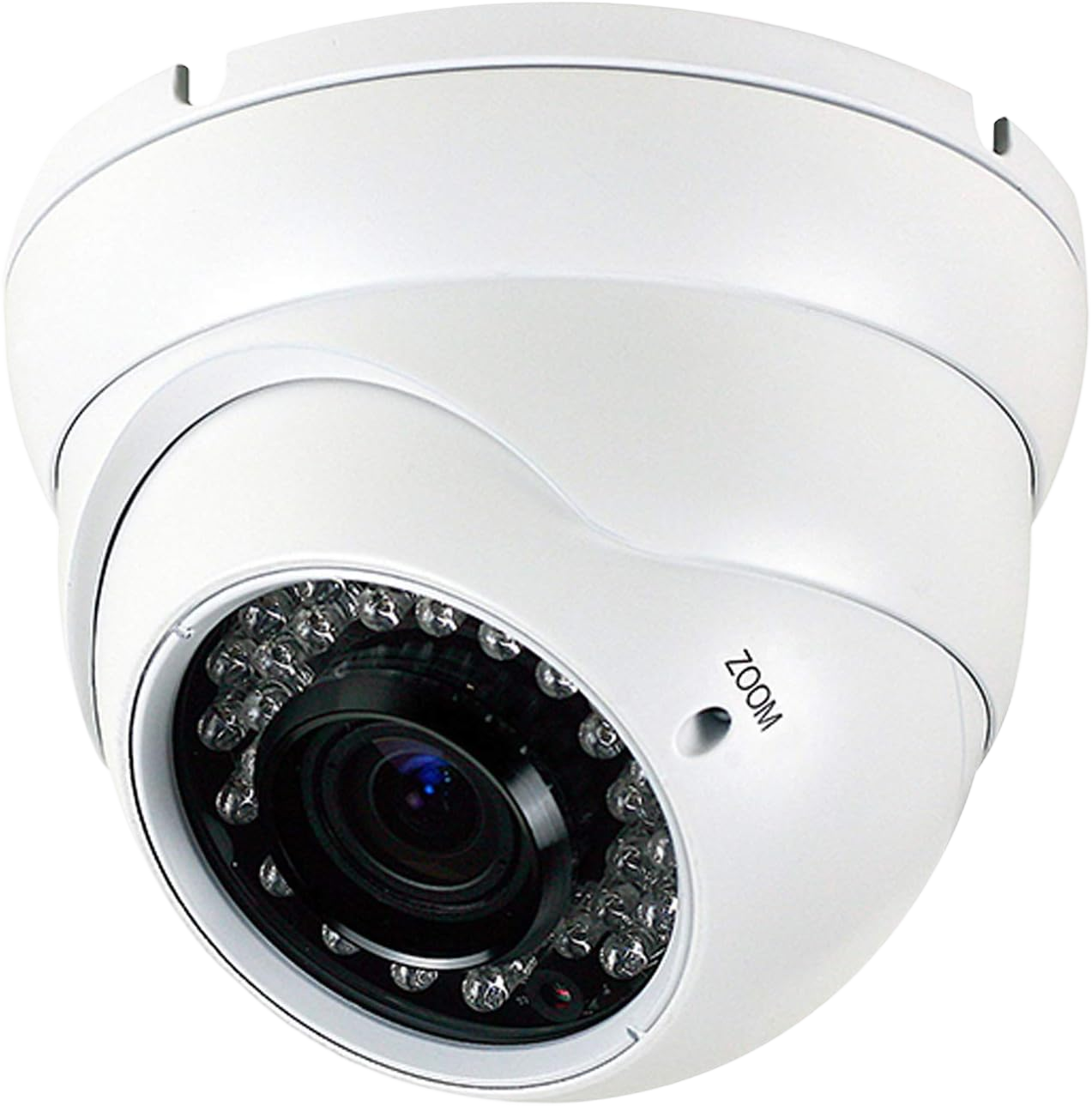
- IP cameras. 4K footage needs stable bandwidth. Cat6A handles PoE and data for PoE cameras on one cable. Cat5e can’t reliably do both at distance.
- Access control readers. Every door reader connects back to the access control panel over network cable. Unreliable cabling means doors that randomly lock people out.
- Intercoms. Modern IP intercoms (Aiphone IX, ButterflyMX) live on the network. They need the same patch panel and switch ports as everything else.
- Alarm systems. Monitored alarm panels use IP for their primary signal path to the monitoring station, with cellular as backup. If your primary cable path is unreliable, every false alarm costs you money.
Planning cabling and security together — rather than bolting security onto whatever cabling exists — is how you avoid signal issues, dropped camera feeds, and mysterious access-control failures a year later.
Frequently Asked Questions
How much does structured cabling cost per drop in NYC?
Expect $125–$250 per drop for Cat6 or Cat6A, including cable, termination, testing, and labeling. Small jobs (under 15 drops) sit at the high end of that range because the setup time is the same regardless of job size. Large jobs (75+ drops) drop to around $100–$175 per drop because the labor scales. Pre-war buildings with tricky cable paths can push costs 20–40% higher.
Cat6 or Cat6A — which should I spec for a new office?
Cat6A for any new commercial install. It handles 10 Gbps up to the full 100-meter distance, supports PoE better, and future-proofs the build for another 15 years. Cat6 still works fine for most offices today, but the cost difference is small compared to re-cabling in 5 years when you outgrow it. For homes or small retail, Cat6 is enough.
How long does a structured cabling install take?
A 15-drop small office: 1–2 days. A 30-drop mid-size office: 3–5 days. A full floor with 100+ drops and fiber backbone: 1–3 weeks depending on building access and ceiling type. Pre-war buildings add time because of wall construction. Most installers can work after-hours or on weekends to avoid disrupting business operations.
What’s the difference between structured and unstructured cabling?
Structured cabling is planned, labeled, documented, and built to a published standard (TIA/EIA). Every cable runs back to a central patch panel, and you have a diagram showing what connects to what. Unstructured is ad-hoc — someone pulled cables as they were needed, nothing is labeled, nothing is documented, and troubleshooting means tracing cables by hand. Structured is more expensive upfront but much cheaper over 10–20 years.
Does my office need fiber optic cable?
For horizontal cabling to desks, no — copper Cat6A is fine. Fiber is for the backbone: connecting floors in a multi-floor office, connecting buildings on a campus, or connecting to a data center. If your office is one floor, you probably don’t need fiber at all. If you’re multi-floor with heavy data use, you want fiber between the floors and copper out to the desks.
How long does structured cabling last?
15–25 years for the physical cable if it’s installed correctly and not damaged. The standards change every decade or so (Cat5e in 2001, Cat6 in 2002, Cat6A in 2008, and Cat8 is coming), but existing cable keeps working long after new standards come out. Most offices replace cabling not because it fails but because they outgrow it or do a renovation.
Can I mix Cat5e, Cat6, and Cat6A in the same office?
You can, and most offices already do. The network runs at the speed of the slowest cable on any given path, so a Cat5e run limits that specific drop to 1 Gbps. If you have existing Cat5e that works fine for admin staff or printers, there’s no reason to replace it. Spec Cat6A only for new drops, high-performance workstations, or PoE cameras.
Structured Cabling in NYC
Lock and Tech USA handles structured cabling across all five boroughs and New Jersey. We do small office build-outs, full floor commercial installs, retail storefronts, coworking spaces, and pre-war buildings where every cable path is a judgment call.
We work with Cat6, Cat6A, and fiber from major manufacturers, follow TIA/EIA standards on every termination, test every drop with a certifier, and hand you the documentation when we leave. If you’re planning security systems, cameras, or access control alongside the cabling, we install that too — and we design it so all of it runs reliably on the same infrastructure.