- Home
- Security System
- Access Control Installation
Access Control Installation in New York



Before You Sign
Since 1989, we’ve been securing homes and businesses across NYC and New Jersey with professional security solutions you can trust. Our licensed technicians provide 24/7 emergency service, using only the latest technology and backed by comprehensive warranties on all installations.


Access Control Services for Buildings Like Yours
- An office adds staff or shuffles floors, and the door list no longer matches who works where.
- A residential building keeps rekeying after move-outs, and the super is handing out brass keys that come back short.
- A warehouse needs the loading dock and the freight elevator on different permissions than the front office.
- A medical office has to keep supply rooms and records rooms open to two or three people and closed to everyone else.
- A multi-tenant building gives each tenant its own floor and its own hours, with the lobby open to all of them.
- A management company runs several sites and wants one credential and one permission list across all of them.
- An existing system runs on hardware nobody supports anymore, and replacement readers are getting hard to find.
Access control installation swaps keys for credentials — cards, fobs, phone apps, PIN codes, or fingerprints — and puts every door in the building on a permission list you control. Lock and Tech USA wires and configures these systems for offices, apartment buildings, warehouses, medical suites, and multi-tenant properties across New York City. A job covers the site walkthrough, the door-by-door plan, the wiring, the controllers and readers, the permission setup, and on-site training once the system is live. Crews reach most addresses in 20 to 40 minutes and work weekdays, 8 a.m. to 6 p.m.
How to Choose an Access Control Company
Access control companies fall into three groups, and the difference shows up after the install rather than during it. Manufacturers and platforms build the hardware and the software. National integrators resell that hardware and hand the labor to someone else. Local access control contractors pull the wire, mount the readers, and come back when a door stops opening. A building that needs a technician on site the same week is shopping in the third group.
Five questions worth asking before you sign with any access control contractor:
- Who holds the license, and who does the work. Ask whether the technicians on your job are employees or subcontractors, and whether the low-voltage work falls under the company’s own license. Lock and Tech USA runs licensed technicians on its own installations.
- Who owns the system after handoff. Some security access control companies keep the administrator account and bill for every permission change. Get admin rights to your own system written into the contract.
- What the software costs each year. Cloud platforms bill per door or per reader, every year the system runs. A twelve-door site and a two-door site are very different numbers.
- What happens when a controller dies. Ask which parts are stocked locally, how fast a dead door gets attention, and whether labor is covered. Installation here carries a 90-day mechanical warranty and a 12-month electrical warranty on parts and labor.
- Whether the platform is open. Proprietary credentials and locked firmware mean the next contractor has to rip out the system instead of repairing it.
The contract should name the doors, list hardware by model, describe the wiring path, state how many credentials come with the job, and include the training session. Access control services that quote a lump sum with none of that detail are quoting a different job than the one you think you are buying.
What Access Control Systems We Install
Every system has two halves: the credential a person carries and the hardware on the door that reads it. The credential decides how people get in day to day. The hardware decides what the door does when the power drops, when the fire alarm pulls, and when someone leans on it.
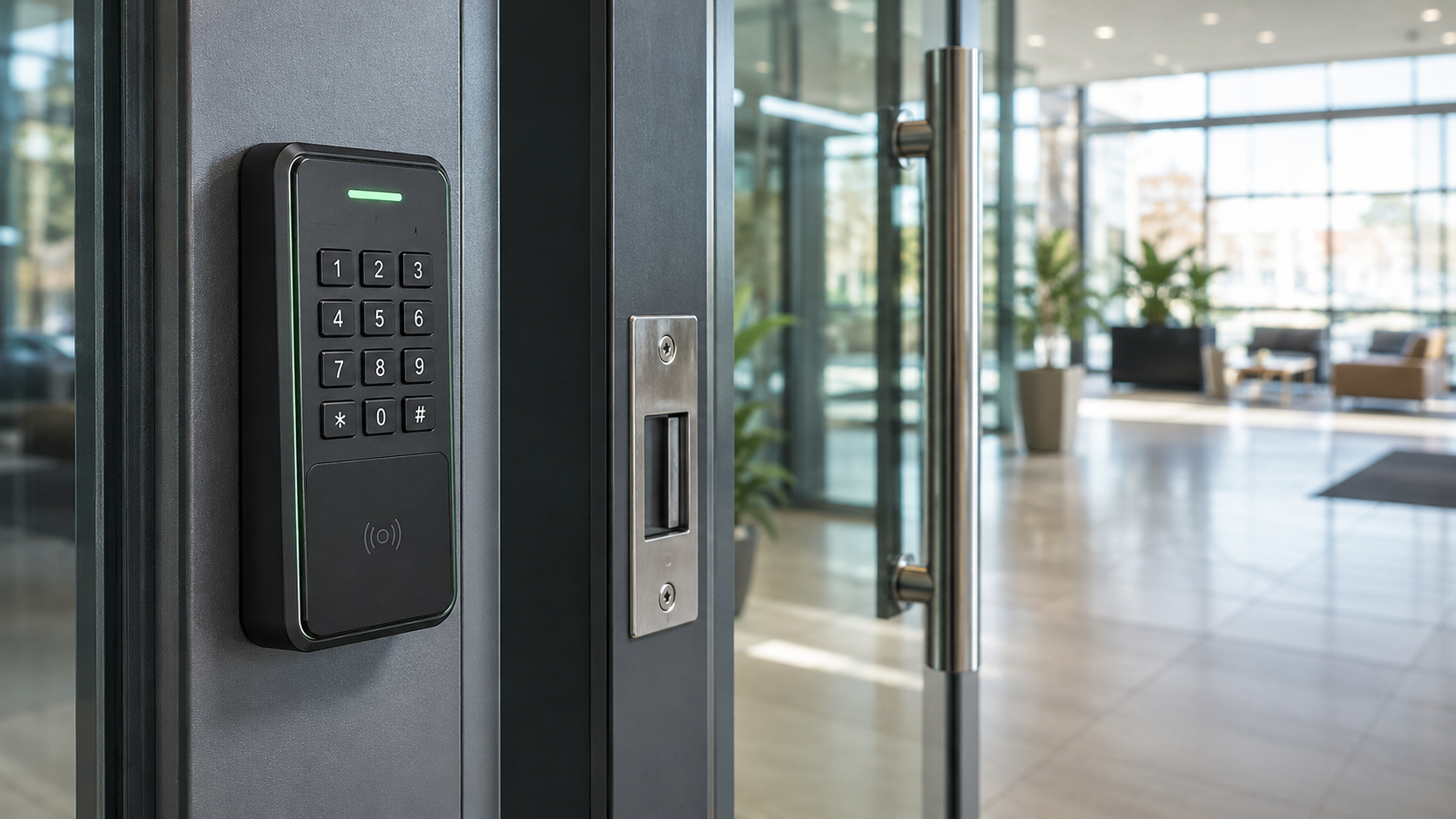
Cards and fobs stay the default in buildings with steady headcount and a front desk that can issue and collect them. HID proximity cards and smart cards tap a reader, the reader checks the credential against the permission list, and the strike releases in under a second. Keypads cost less per door and fit storage rooms, mechanical rooms, and back entrances where an audit trail matters less, since codes get passed around and never show up in the log as a different person. Mobile credentials over Bluetooth and NFC put the key on a phone, which lets an office manager issue access to a new hire before their first day and cut it off from a laptop the same afternoon. Fingerprint and face readers cover doors where a credential must not be shareable at all, and are covered on the biometric access control page.
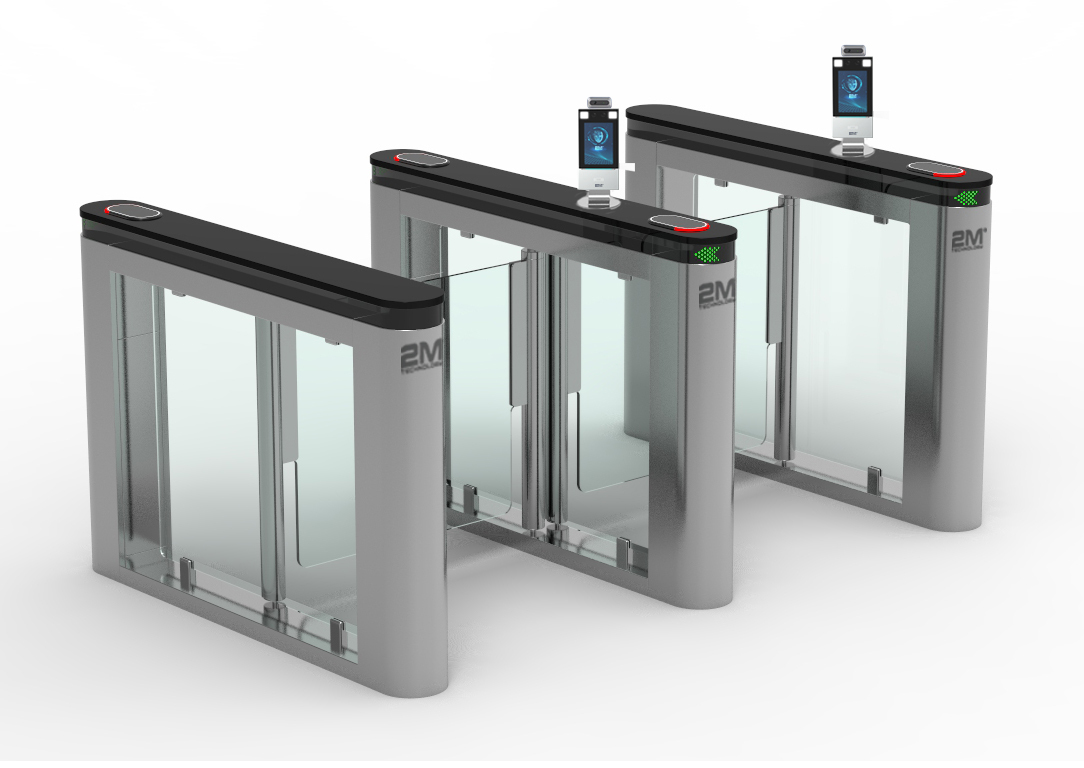
On the hardware side: door controllers from Keri Systems, Rosslare, and Hartmann Controls for wired panel-based sites, Paxton Access for small and mid-size buildings that want local control, and Brivo when several properties need one permission list in the cloud. Electric strikes go in wood and metal frames, magnetic locks handle glass storefronts and lobby doors, turnstiles and speed gates sort heavy lobby traffic, and elevator control limits a credential to certain floors. Readers can also share a door with a video intercom entry system, and controller events can be tied to camera recordings so a badge swipe and the footage line up.
How an Access Control Installation Runs
Access control installers start with a walkthrough, not a quote. A technician opens every door on the list, checks the frame, the existing lock, the power source, and the path back to the closet or panel, then writes the plan around what the building actually has instead of what the drawings show.
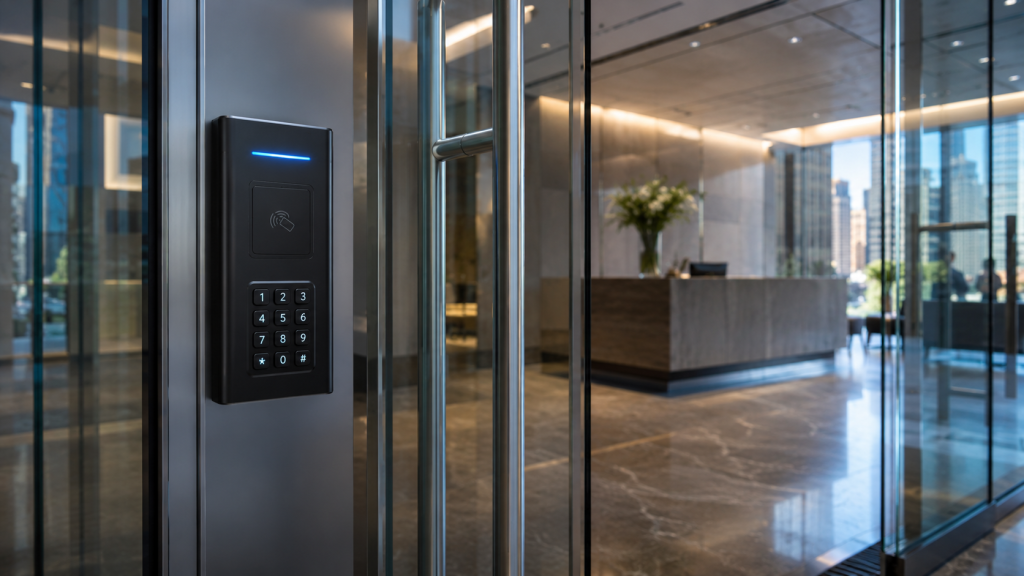
The door-by-door plan comes next. Each opening gets a hardware call: strike or maglock, reader type, request-to-exit device, door position switch, and whether the door needs to fail safe or fail secure under fire code. Prewar buildings and co-ops usually add a step here, since running new cable through plaster and conduit needs building management sign-off and, in a co-op, board approval before anything gets drilled.
Wiring follows the approved path — cable to each opening, back to the controller, with power and network at the panel. Controllers, readers, and locking hardware go in after the cable is pulled and tested. On a new installation, access control permissions are built last: user list, credential assignment, door groups, schedules, and the rules for holidays and after-hours entry.
The job closes with a walkthrough. Every door gets tested locked and unlocked, the access control system installers set up the mobile app and the admin dashboard, and whoever will run the system day to day gets trained on site — adding a user, revoking a credential, pulling a door log. Admin credentials stay with the building.
What Access Control Installation Costs
Access control installation companies price by the door, and five things move that number.
- Door count. Controllers come in two, four, eight, and sixteen-door configurations, so the ninth door on an eight-door panel costs more than the eighth.
- Existing lock and frame. A hollow metal frame takes a strike in an hour. A glass storefront needs a maglock, a bracket, and a request-to-exit sensor.
- Wiring condition. Reusable conduit and an existing closet keep labor down. New cable through finished walls, fire-rated corridors, or a prewar shaft is the single biggest swing in the estimate.
- Controller and platform. Local panel hardware costs more up front and nothing per year. Cloud platforms cost less on day one and carry a subscription per door.
- Integrations. Tying readers to cameras, intercoms, or elevator control adds hardware and programming time.
Work is billed as labor plus materials, itemized by door, so the cost of adding or dropping an opening is visible before anything is ordered. A signed contract comes before work starts, along with a tax exemption form where one applies, and larger jobs take a partial deposit up front with the balance due at completion.
Where We Install Access Control
Offices are the common case: front door, suite doors, server room, and a permission list that changes every time someone joins or moves floors. Residential and co-op buildings use access control to end the rekeying cycle after move-outs, and to keep the lobby, the roof, the laundry room, the package room, and the parking gate on separate rules. Warehouses and industrial sites separate the loading dock, the freight elevator, and the front office, and often add gate access control at the yard entrance.
Medical and dental offices need supply rooms and records rooms open to two or three people and closed to everyone else, with a log that shows who went in. Multi-tenant buildings give each tenant its own floor and its own hours while the lobby stays open to all of them. Management companies running several properties get one credential and one permission list across every site. Larger commercial projects with multiple entrances, turnstiles, and tenant-by-tenant rules are covered in more depth on the commercial access control page.
Service Area
Access control installation in NYC covers Manhattan, Brooklyn, Queens, the Bronx, and Staten Island, with service reaching 75 miles out from Midtown Manhattan into Westchester, Long Island, and northern New Jersey. Typical on-site response for a service call runs 20 to 40 minutes. Access control work is scheduled weekdays, 8 a.m. to 6 p.m., and there is no added charge for weekend or holiday visits when they are needed. Borough coverage is broken out on the Lower Manhattan service page and the Brooklyn service page.
Access Control Questions Building Managers Ask
How do I choose between cards, keypads, mobile credentials, and biometrics?
- Match the credential to turnover and to how much the log matters. Cards suit stable headcount, keypads suit low-sensitivity interior doors, mobile credentials suit frequent staff changes and several sites, and biometrics suit doors where a credential must never be handed to someone else.
Can access control run with our existing cameras and intercom?
- Yes, in most cases. Controllers can send door events to a camera system so each badge read lines up with footage, and a reader can share the entrance with a video intercom. The walkthrough confirms what the current equipment supports before anything is quoted.
What happens when an employee leaves?
- An administrator revokes that credential from the dashboard and the doors stop accepting it immediately, with no lock change and no collecting keys. A returned card can be reissued to someone else. The training session at handoff covers this step.
What warranty covers an access control installation?
- Installations carry a 90-day mechanical warranty and a 12-month electrical warranty, both covering parts and labor. Repair work on equipment installed by others is performed without a warranty.
How fast can someone get out to a door that stopped unlocking?
- Service calls are handled during business hours, weekdays from 8 a.m. to 6 p.m., with typical on-site arrival in 20 to 40 minutes depending on location and traffic.
Is there an extra charge for weekend or holiday service?
- No. Weekend, holiday, and outside-of-hours visits are billed at the same rate as weekday calls.
How far do you travel for access control work?
- Service runs 75 miles out from Midtown Manhattan, covering all five boroughs plus the surrounding suburbs, and includes multi-site projects managed under one contract.
Do you set up the mobile app before you leave?
- Yes. Mobile app setup and admin dashboard configuration are part of the closing walkthrough, along with training on adding users, revoking credentials, and pulling door logs.
Related Security Services
Doors that stop reading credentials, controllers that drop offline, and readers that fail after a power event are handled through access control repair and service, including systems installed by another company. Cameras, alarms, intercoms, and access control installation services for the whole building are listed on the security systems overview.
What our clients say