What Is a Commercial Access Control System
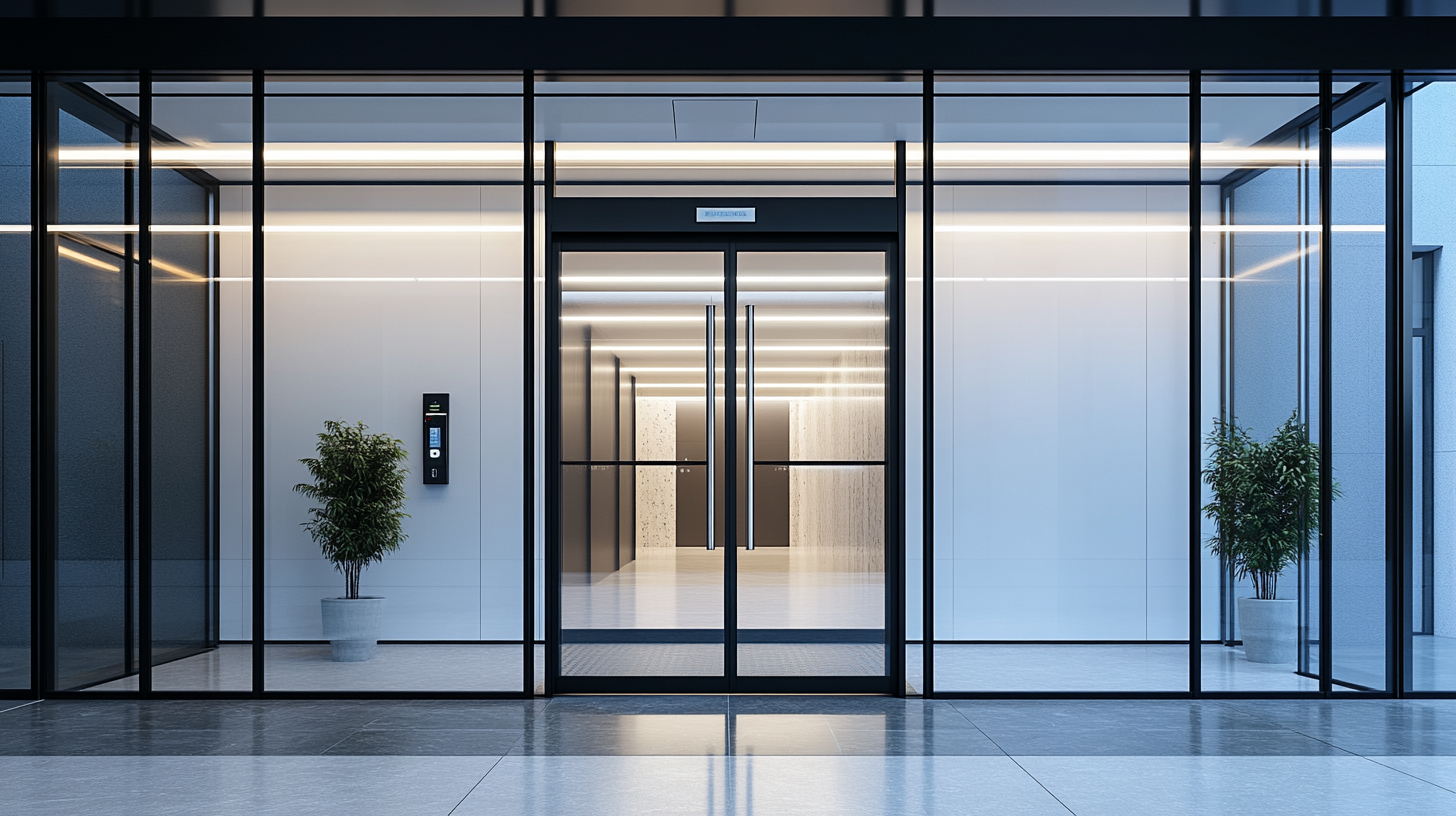
A commercial access control system consists of hardware and software components that work together to authenticate individuals and control entry points. The system receives a credential from a person, verifies it against a stored database, and either activates the door lock or denies entry.
Access control for commercial properties differs from residential solutions in scale, integration capability, and management requirements. A commercial system typically manages multiple entry points, supports hundreds or thousands of users, integrates with CCTV and alarm systems, and provides detailed audit logs for compliance and security investigations.
Main Types of Commercial Access Control Systems
Commercial access control systems are classified by their architecture — specifically, how access decisions are made and where system data is stored and managed.
Standalone Access Control Systems
A standalone system operates independently, without a network connection. All access rules and credential data are stored directly on the device at each door. An administrator programs each unit separately using a keypad, software, or PC connection.
Standalone systems are suitable for small businesses with one to three entry points, where a centralized management platform is not required. They are cost-effective to install but difficult to scale — adding new doors or users requires manual programming at each device.
Networked On-Premise Access Control Systems
A networked on-premise system connects all door controllers to a central control panel or server located within the building. Access decisions are made by the central panel, which communicates in real time with all connected readers.
On-premise systems offer centralized management, real-time monitoring, and the ability to control dozens or hundreds of doors from a single interface. They are well-suited for mid-size to large facilities where all infrastructure remains within the building and is managed by in-house IT staff.
Cloud-Based Access Control Systems
A cloud-based system stores all data and access logic on remote servers managed by the provider. Administrators manage users, permissions, schedules, and audit logs through a web browser or mobile app from any location.
Cloud-based systems eliminate the need for an on-site server, reduce upfront hardware costs, and allow remote management across multiple locations. They receive automatic software updates and scale easily as the business grows. This architecture is the fastest-growing segment in commercial access control due to its flexibility and lower total cost of ownership.
Mobile Access Control Systems
Mobile access control uses a smartphone as the credential. Instead of a key card or PIN, an authorized user’s phone communicates with the door reader via Bluetooth or NFC to unlock the door.
Mobile systems reduce the cost of issuing and replacing physical credentials and provide a higher level of security since a phone is harder to share or duplicate than a key card. Mobile access is often layered on top of a cloud-based or networked system rather than used as a standalone architecture.
Types of Access Credentials Used in Commercial Systems
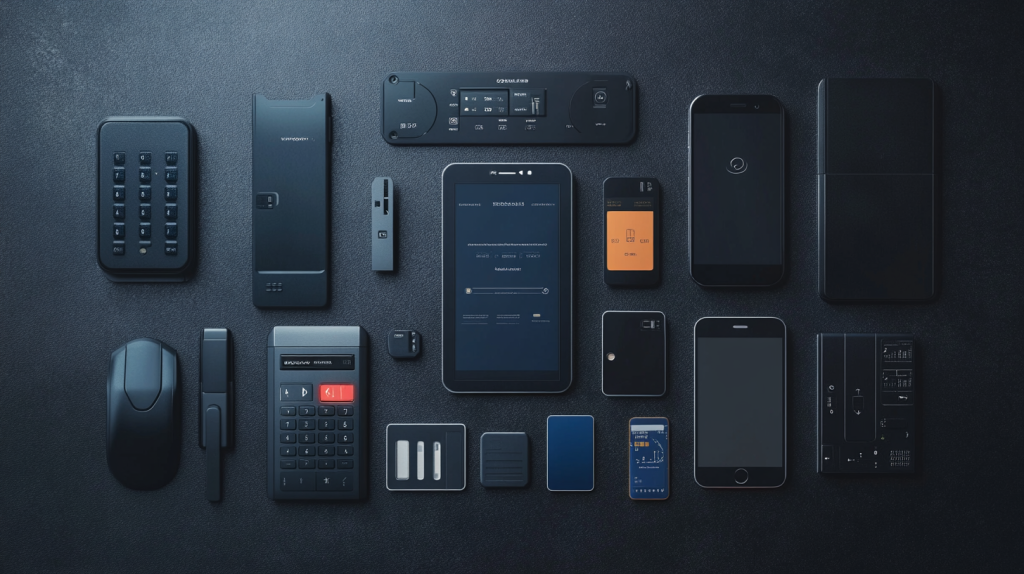
Access credentials are the method used to verify a person’s identity before granting entry. Commercial access control systems support different credential types, which vary in security level, cost, and convenience.
Key cards and fobs are the most widely used credentials in commercial settings. They use RFID or smart card technology to communicate with the door reader. Cards are easy to issue and deactivate but can be lost, shared, or cloned.
PIN keypads require a user to enter a numeric code. They have no physical credential to lose but are vulnerable to code-sharing and shoulder surfing. PIN keypads are often used as a secondary factor alongside a card reader.
Biometric credentials — including fingerprint scanners, facial recognition, and iris readers — verify identity based on unique physical characteristics. They cannot be shared or stolen, making them the most secure credential type. Biometric systems are commonly used in high-security areas such as server rooms, pharmaceutical storage, or financial vaults.
Mobile credentials use a smartphone app or digital wallet to authenticate entry. They offer the convenience of a card without the risk of physical loss and are increasingly supported by modern cloud-based systems.
Multi-factor authentication (MFA) combines two or more credential types — for example, a card plus a PIN, or a mobile credential plus biometric verification. MFA is used where the security risk of a single compromised credential is unacceptable.
Key Components of a Commercial Access Control System
Every commercial access control system consists of several hardware and software components that work together to manage entry.
Control panel or hub is the core of the system. It stores access rules and user credentials, processes input from door readers, and sends unlock commands to door hardware. In on-premise systems, the panel is typically installed in a server room or IT closet.
Door readers are mounted at each entry point and read the credential presented by a user. Reader types include proximity readers (RFID), smart card readers, biometric scanners, and keypad readers.
Locking hardware physically secures the door and responds to unlock commands from the control panel. Common types include electric strikes, magnetic locks (maglocks), and electrified door knobs. The choice of locking hardware depends on the door type, fire code requirements, and the desired fail-safe or fail-secure behavior.
Access credentials are the cards, fobs, PINs, biometric data, or mobile devices that users present to gain entry.
Management software is the interface through which administrators add and remove users, set access schedules, review audit logs, and respond to alerts. In cloud-based systems, this software is accessed through a web browser or app.
Cloud-Based vs On-Premise Access Control: Key Differences
The choice between cloud-based and on-premise access control depends on the size of the business, IT infrastructure, and how the system will be managed on an ongoing basis.
| Criterion | Cloud-Based | On-Premise |
|---|---|---|
| Server location | Remote (vendor’s data center) | On-site (local server room) |
| Management | Web browser or mobile app, anywhere | On-site or via VPN |
| Upfront cost | Lower — no local server hardware | Higher — server and infrastructure required |
| Ongoing cost | Monthly subscription per door/user | Maintenance, IT staff, software licenses |
| Scalability | Easy — add doors and users remotely | Requires hardware upgrades at the site |
| Software updates | Automatic | Manual, often requires IT involvement |
| Data control | Managed by vendor | Fully controlled by the organization |
| Best for | Multi-site businesses, growing companies | Organizations with strict data residency requirements or existing IT infrastructure |
Neither architecture is universally superior. On-premise systems are preferred by organizations that require full data ownership or operate in regulated industries such as healthcare or government. Cloud-based systems are preferred by businesses prioritizing ease of management, remote access, and scalability.
Which Type of Access Control System Is Right for Your Business
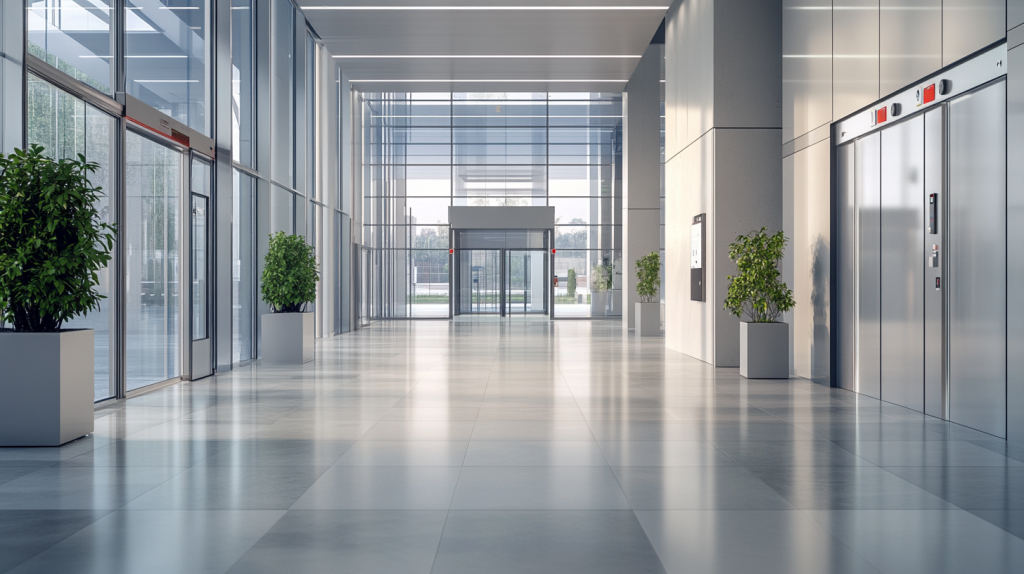
The right type of commercial access control system depends on the number of entry points, the size of the organization, the security level required for different areas, and whether the system needs to be managed across multiple locations.
Small businesses with 1–3 doors and a limited budget can start with a standalone or entry-level cloud-based system. A standalone unit works if the access rules rarely change. A cloud-based system is a better long-term choice if the business plans to grow or needs remote management.
Office buildings and mid-size companies with 5–50 access points benefit from a networked on-premise or cloud-based system. A cloud-based platform reduces the burden on in-house IT and simplifies user management as staff turnover occurs.
Multi-location businesses — retail chains, coworking spaces, medical groups — require cloud-based systems with centralized multi-site management. Managing access across locations from a single platform eliminates the need for on-site administration at each facility.
High-security facilities — data centers, pharmaceutical storage, financial institutions — require a combination of biometric credentials, MFA, and on-premise or private-cloud architecture to meet compliance requirements and minimize credential risk.
Buildings with public access areas alongside restricted zones — such as office lobbies, parking structures, or warehouses — benefit from a layered approach: open access at perimeter entry points, stricter credential requirements for sensitive areas deeper in the facility.
Frequently Asked Questions
What is the difference between access control and a smart lock?
A smart lock is a single-door solution that can be controlled remotely but operates independently. A commercial access control system manages multiple entry points from a central platform, maintains audit logs, integrates with other security systems, and supports large numbers of users with individual credentials and permissions.
Can a commercial access control system be integrated with CCTV cameras?
Yes. Most networked and cloud-based access control systems support integration with CCTV. When a door is accessed, the system can automatically pull the corresponding camera footage, linking credential events with video records. This simplifies security investigations and incident response.
What happens to access control during a power outage?
The behavior during a power outage depends on how the locking hardware is configured. Fail-safe locks unlock automatically when power is lost — used on emergency exit doors to ensure safe evacuation. Fail-secure locks remain locked when power is lost — used on high-security areas. Most commercial systems include battery backup or UPS to maintain operation during short outages.
How many users can a commercial access control system support?
The user capacity depends on the system architecture. Standalone systems typically support 50–1,000 users per device. Networked and cloud-based systems can scale to tens of thousands of users across hundreds of doors, depending on the platform and licensing.
Is biometric access control worth it for a small business?
Biometric access control adds a meaningful security layer but comes at a higher hardware cost per door. For most small businesses, key card or mobile credential systems provide sufficient security at a lower cost. Biometrics are most justified for specific high-risk areas rather than all entry points.
How long does it take to install a commercial access control system?
Installation time varies by system size. A single-door standalone system can be installed in a few hours. A multi-door networked or cloud-based system for a medium-sized office typically takes one to three days, depending on door hardware condition, wiring requirements, and software configuration.
Professional Installation of Access Control Systems in NYC
Selecting the right access control architecture is the first step. Correct installation determines whether the system performs reliably, integrates properly with existing security infrastructure, and complies with New York City building codes and fire safety requirements.
A professionally installed system includes proper wiring of all door hardware, configuration of the control panel or cloud platform, credential enrollment for all users, and testing of fail-safe behavior at every exit.
Lock & Tech installs commercial access control systems across New York City — from single-door office setups to multi-floor enterprise deployments. Our technicians assess your facility, recommend the right system type for your access points and security requirements, and handle the full installation and commissioning process.
Contact Lock & Tech to schedule a site assessment and get a quote for your commercial property.