- Home
- Home Security Systems
Home Security Systems in New York



Before Work Starts
Since 1989, we’ve been securing homes and businesses across NYC and New Jersey with professional security solutions you can trust. Our licensed technicians provide 24/7 emergency service, using only the latest technology and backed by comprehensive warranties on all installations.


How the Job Changes by Type of Home
- Apartment in a newer building. Wireless sensors and a panel by the entry door keep the work inside your unit, and a camera at the front door goes up only where building management allows it.
- Co-op. Board approval comes before any work in a hallway or on the facade, so the schedule runs through the super and the drilling stays behind your own door.
- Prewar building. Plaster walls and no conduit push the design toward wireless sensors and surface-run cable that leaves the finish intact.
- Brownstone. Coverage starts at the stoop and vestibule, adds the garden-level door and the back alley, and often includes replacing old doorbell and alarm wiring.
- Walk-up. Cameras go on the stairwell landing and at the vestibule where packages sit, and intercom entry is usually shared with the other tenants.
- Single-family house. Door and window contacts run the full perimeter, with cameras on the driveway, the yard, and the garage side entrance.
- Rental unit. Adhesive-mount sensors and a wireless panel move out with you, and anything drilled needs the landlord’s sign-off first.
Lock & Tech USA installs home security systems in New York apartments, co-ops, brownstones, walk-ups, and single-family houses. A home security system combines cameras, an alarm panel with door and window sensors, central-station monitoring, and intercom entry, managed from one app on your phone. The work covers the site survey, the equipment list, mounting and wiring, configuration, and a walkthrough once the system is live. Installations are carried out by licensed technicians and carry 90 days on mechanical parts and 12 months on electronics.
What Security Work Looks Like in New York Housing
The building sets the shape of a residential security system more than the square footage does. Wall construction, available wiring routes, who controls the common areas, and what you are allowed to drill all decide what goes in and how long the job takes.
In a newer apartment most of the work stays inside your unit: a wireless panel near the entry door, contacts on the door and any reachable windows, and a camera facing the hallway only where building management signs off on it. Co-ops add a step before that. Board approval covers anything mounted in a hallway, on the facade, or tied into common wiring, and scheduling runs through the super, so the survey happens first and the install date is set once the paperwork clears.
Prewar buildings have plaster over lath and no spare conduit, so wireless sensors and surface-run cable in painted raceway keep the finish intact. In a walk-up the camera positions that earn their keep are the vestibule where packages get left and the stairwell landing, and entry is usually handled through an intercom shared with the other tenants. A brownstone spreads the same system across more doors: the stoop and front entry, the garden-level door under it, parlor-floor windows, and the back alley or yard door that gets watched least.
A single-family house takes a full perimeter of door and window contacts plus cameras on the driveway, the garage side door, and the yard. Renters can have a system too. Adhesive-mount sensors and a wireless panel come off the wall at the end of the lease, and anything screwed into a wall or door frame needs the landlord’s written approval first.
What a Home Security System Includes
A home system is built from four parts plus the app that ties them together: cameras, an alarm panel with sensors, monitoring, and intercom entry.
Cameras cover the approaches people actually use, which in New York means the front door, the driveway, the yard, or the hallway outside an apartment door. Uniview and Hikvision models handle low light at a doorway and record either to a local recorder in a closet or to cloud storage, depending on how long you want footage kept and who needs to reach it. Framing is set during the survey so the view stops at your property line. Lens choice, mounting points, and storage sizing are covered on the page for camera installation in houses and apartments.
The alarm side is a control panel with contacts on doors and windows, motion detectors in the main rooms, and glass-break or smoke sensors where they apply. Panels from Honeywell and Resideo, Napco, DSC, DMP, and Bosch are the standard equipment across the region, and most residential jobs run wireless sensors back to a panel by the entry door so walls stay closed. Sensor placement and panel programming are explained under alarm panels and sensors, and equipment built specifically for houses and apartments is described under home alarm systems.
Monitoring decides what happens after a sensor trips. The panel sends the event to a central station staffed around the clock, an operator verifies it and calls the contacts on your list, and emergency services are notified when nobody answers or the alarm is confirmed. Without monitoring the siren sounds and the alert lands on your phone alone. Contact lists, verification, and false-alarm handling are covered under central station monitoring.
Intercom entry replaces an old buzzer with a camera at the door and an answer point on your phone, which counts most in walk-ups and brownstones where deliveries sit in the vestibule. Options for single homes and shared entries are listed under intercom systems.
Smart-home integration puts camera views, alarm arming, and door locks in one app instead of three. Alarm.com is the platform most residential panels in the region connect through, and it also handles user codes and event history.
How a Home Security Installation Works
Every installation starts with a site survey. A technician walks the home, checks entry points, existing wiring, and wall construction, and confirms what the building allows before anything gets specified.
The design comes out of that visit: how many cameras and where they aim, which openings get contacts, whether the panel runs wired or wireless, and where the panel and recorder sit. You get the equipment list and a fixed price in a contract before work begins.
Installation is scheduled around access. A crew of two installers covers most houses in a day; co-ops and brownstones with hallway or facade work take longer, because approvals and building hours set the pace. Cable follows existing chases, baseboards, and closets, and any opening cut in a finished wall is patched before the crew leaves.
Configuration happens the same day. Cameras get aimed and recording schedules set, every sensor is tripped and tested one at a time, user codes are issued, and the app is installed on the phones that need it.
The last step is a walkthrough on site: how to arm and disarm, what each sensor does, how to pull footage, and who to call. Phone and email support runs Monday through Friday, 8 a.m. – 6 p.m., and the installation carries 90 days on mechanical parts and 12 months on electronics.
What Affects the Price of a Home Security System
Five things move the price: the number of openings you cover, how many cameras go in, whether the alarm runs wired or wireless, the condition of existing wiring, and the type of building.
Openings are the largest single factor, since every door and accessible window that gets a contact adds a device and the labor to mount it. Camera count works the same way, with the added cost of the cable run and the recorder. Older wiring changes the number too: a brownstone with 1970s alarm loops or a dead doorbell transformer needs that work redone before new equipment goes on it. Buildings that require board approval or after-hours access add scheduled time rather than parts.
Work and materials are quoted as separate lines, so you can see what the labor costs and what the equipment costs. A partial deposit applies on larger jobs, and the contract is signed before installation starts. Home security system companies quote the same home differently, so the comparison worth making is scope: device count, which panel and cameras, who programs the system, and what the warranty covers.
Areas We Cover
We install and service home security systems across the five boroughs and out to 75 miles from Midtown Manhattan. Response time on a service call inside the city runs 20 to 40 minutes.
Manhattan coverage runs from the Financial District, Tribeca, and SoHo through the West Village, Chelsea, Midtown, the Upper East Side, the Upper West Side, Harlem, and Washington Heights, with details on the downtown work at security work below 14th Street. In Brooklyn we work in Brooklyn Heights, Park Slope, Williamsburg, Bed-Stuy, Flatbush, Bay Ridge, and Sheepshead Bay, listed at our Brooklyn service area.
Queens jobs run through Astoria, Long Island City, Forest Hills, Flushing, Jamaica, and the Rockaways. In the Bronx we cover Riverdale, Fordham, Pelham Bay, and Throgs Neck, and on Staten Island the North Shore and Mid-Island. Outside the city the same radius reaches Westchester, western Long Island, and northern New Jersey. Field work is scheduled Monday through Friday, 8 a.m. – 6 p.m.
Home Security Systems FAQ
How much does a home security system cost in New York?
The price is set by the number of doors and windows covered, the camera count, and the condition of existing wiring in the building. Work and materials are quoted as separate lines after the site survey, and the figure goes into a contract before installation starts.
Do I need co-op board approval to put in a security system?
You need board approval for anything mounted in a hallway, on the facade, or wired into common systems. Equipment kept inside your own unit, such as a wireless panel and door contacts, usually needs only notice to building management, and the survey confirms which case applies before a date is booked.
Can I install a security system in a rental?
Yes, using a wireless panel and adhesive-mount sensors that come off the wall at the end of the lease. Anything drilled into a wall, a door frame, or the exterior needs the landlord’s written approval first, so a rental setup is usually built around cameras on shelves and sensors that leave no holes.
Do I need monitoring, or is a siren enough?
A siren alone depends on someone nearby hearing it and acting. Monitoring sends every alarm event to a central station where an operator verifies it, calls your contact list, and notifies emergency services, which is the difference when the home is empty or you are asleep.
Can I see my cameras and arm the alarm from my phone?
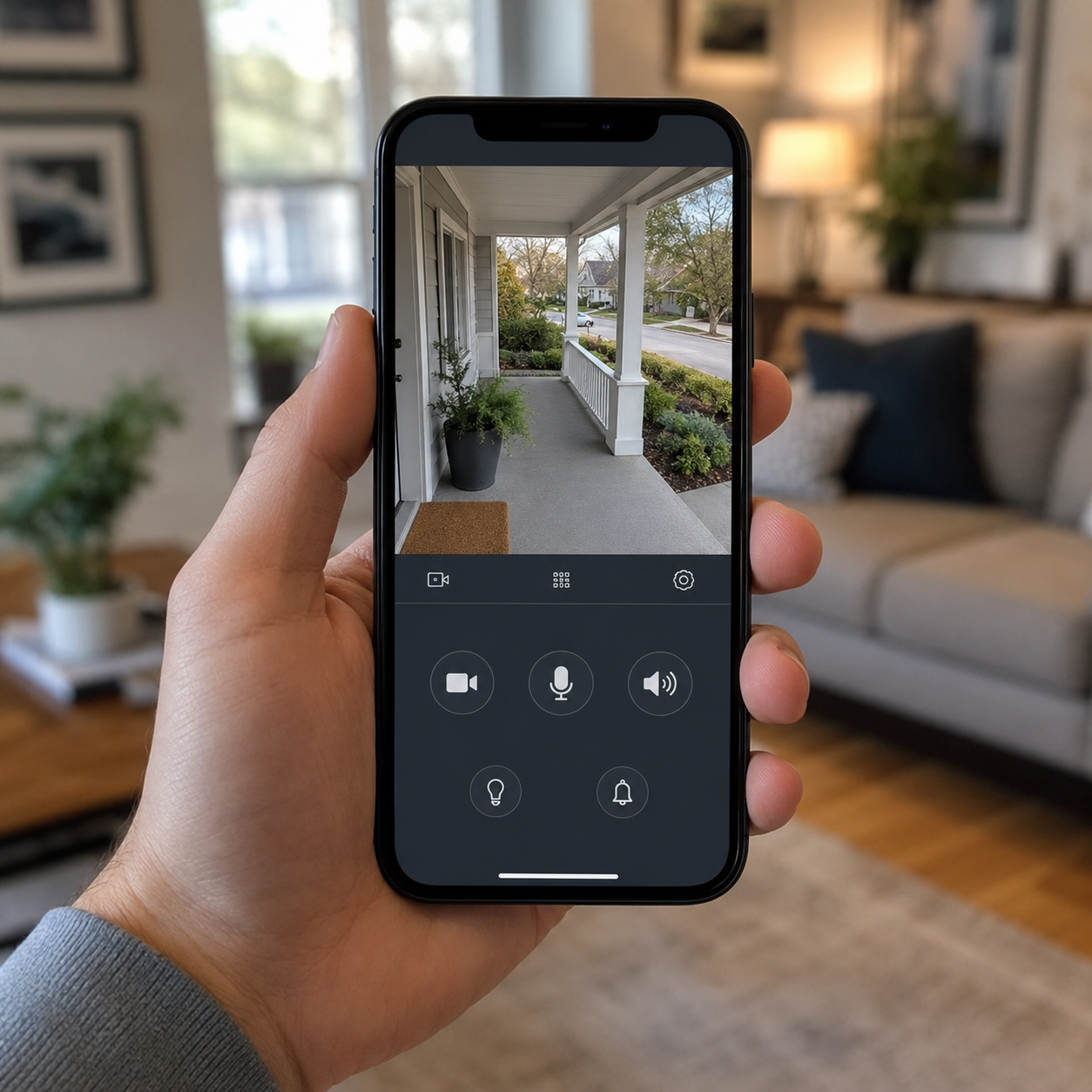
Yes. Remote access is set up during configuration, so you can view live and recorded footage, arm and disarm the panel, and get sensor alerts from the app. Each household member gets a separate user code, and the system logs which code armed or disarmed it.
Can cameras, the alarm, and smart devices run as one system?
Yes, when the panel and cameras share a platform. Most residential panels in the region connect through Alarm.com, which brings camera views, alarm arming, smart locks, and event history into one app rather than one app per device.
Is Lock & Tech USA licensed?
Yes. Lock & Tech USA is licensed, and installations are carried out by licensed technicians.
What warranty comes with a home security installation?
Installations carry a 90-day warranty on mechanical components and a 12-month warranty on electrical components. Repair work is not covered under warranty.
Related Services
Buildings with more than one unit follow a different design, since entry, common-area cameras, and tenant access all belong to building management rather than a single household. That work is described under security for apartment buildings.
Existing equipment that stopped reporting, a panel left behind by a previous owner, or cameras that went dark after a power event are handled as repair work rather than a new installation. The complete catalog, including access control and repair, sits on the security systems section.
What our clients say