
- Home
- Security System
- Security Camera Repair
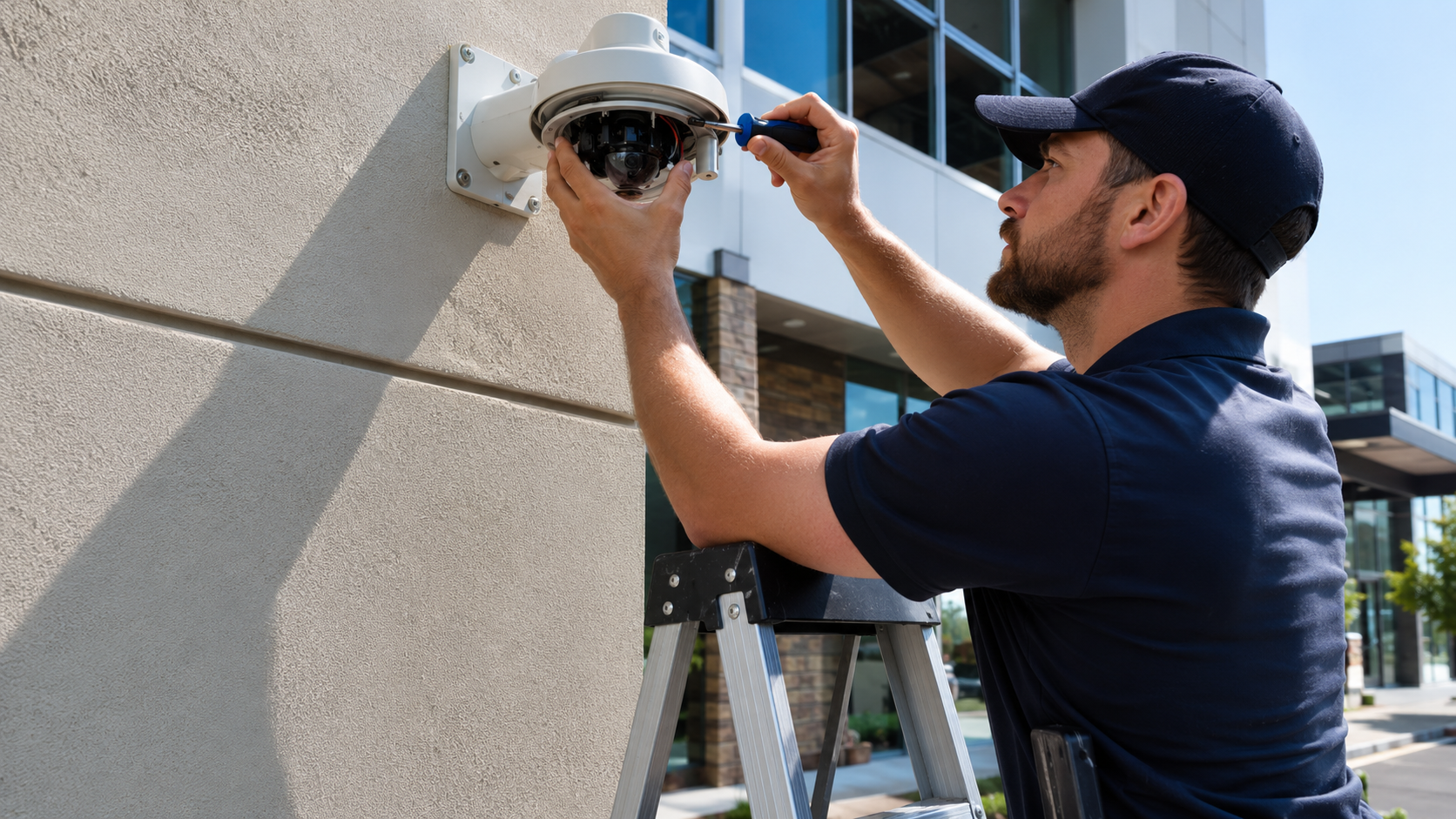
Security Camera Repair in New York



Weekdays, 8 a.m. to 6 p.m.
Since 1989, we’ve been securing homes and businesses across NYC and New Jersey with professional security solutions you can trust. Our licensed technicians provide 24/7 emergency service, using only the latest technology and backed by comprehensive warranties on all installations.


The Problems We Get Called Out For
- The monitor shows a black screen where a camera feed used to be.
- The cameras are on, but nothing is being recorded.
- The picture is blurry, grainy, or washed out.
- You can’t see anything at night, even with the lights on outside.
- One camera, or all of them, show up as offline.
- The system won’t open on your phone anymore.
- A camera got knocked loose, turned away, or cracked.
- The recorder won’t power on, or it keeps restarting on its own.
Security camera repair covers the cameras, the recorder, the cabling, and the network everything runs on — analog, IP, or a mix of the two. We work on equipment from every manufacturer, including models that were discontinued years ago. Repair calls run weekdays, 8 a.m. to 6 p.m., with a technician on site in 20 to 40 minutes across most of the city. Diagnosis happens at your property, before anyone names a price.
What Goes Wrong With Security Cameras
Most security camera repairs come down to one of eight symptoms, and each one narrows the search to a short list of causes.
- A black screen where a feed used to be — usually power: a dead adapter, a tripped breaker, or a PoE port that stopped delivering voltage.
- Cameras are live but nothing is recording — the drive in the recorder is failing or full, or the recording schedule got switched off.
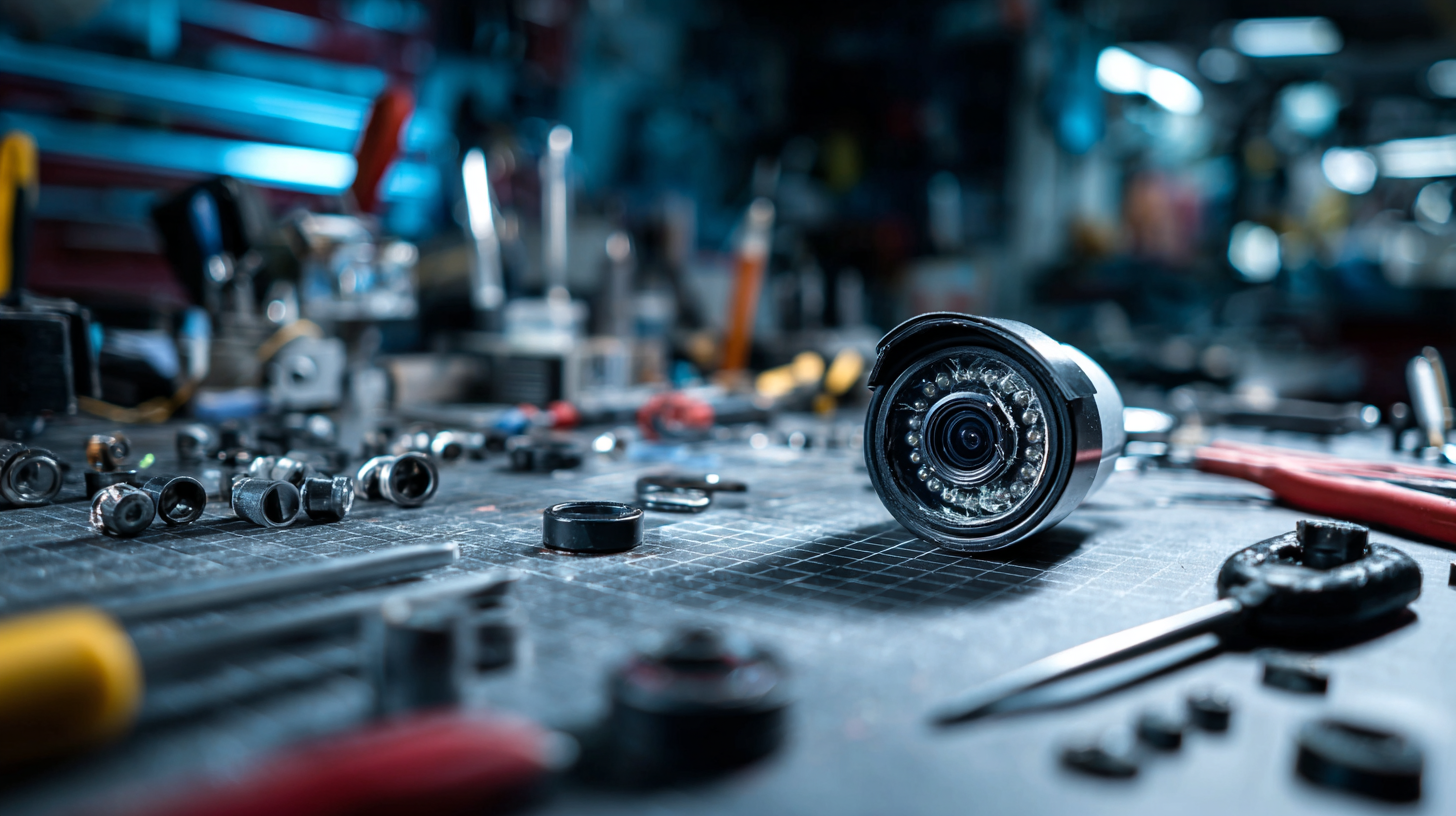
- A blurry or grainy picture — dirt and spider webs on the dome, a lens that drifted out of focus, or a sensor worn down after years outdoors.
- You can’t see anything at night — burned-out infrared LEDs, a stuck IR cut filter, or condensation inside a housing that throws glare back at the lens.
- A camera shows up offline — a damaged cable run, an IP conflict after a router swap, or a dead port on the switch.
- The system won’t open on your phone — expired cloud registration, changed credentials, or port forwarding that broke when the internet provider reset the setup.
- A camera turned away from what it covered, or the housing is cracked — wind, a truck at the loading dock, a ladder, or vandalism.
- The recorder won’t boot, or it restarts on a loop — a failing power supply, corrupted firmware, or a hard drive the system can no longer read.
The same symptom comes from very different places, which is why nothing gets replaced before it’s tested. A camera reading as offline may have a perfectly good cable and a dead switch port behind it. A grainy image at 3 a.m. can be a lens problem or an infrared problem, and those are two different repairs at two different prices.
Age changes the pattern. Analog systems put in 10 or 15 years ago fail at the connectors and the power supply long before the cameras themselves quit. Newer IP systems fail at the network layer, where switches, firmware, and settings stop matching after other equipment in the building changes. Runs exposed to weather along a back alley or above a storefront gate take the worst of it, and cable faults show up there first.
How a Repair Call Works
A repair call runs in four stages: intake, arrival, diagnosis on site, and the fix.
On the call we take the address, the type of system, and the symptom in your words — no feed, no recording, nothing at night. That’s enough to load the right test gear and the parts that fail most often. Most security camera repairs are scheduled the same way: a technician heads out during business hours and reaches the address in 20 to 40 minutes.
Diagnosis follows a fixed order, from the outside in. Power first, at the outlet, the adapter, and the PoE port. Then the cable run and its terminations. Then the camera itself — lens, housing, infrared array, mount. Then the recorder, its drive, and its settings. Then the network path, including the app and remote viewing. Each step either clears a component or identifies it, so the fault is isolated rather than guessed at.
What gets fixed on the spot: cleaned and refocused lenses, re-terminated cable, replaced connectors and adapters, reseated or swapped drives from stock, firmware updates, network reconfiguration, and cameras realigned and remounted. What waits: a lens assembly, a PTZ motor, or a recorder board that has to be ordered for a specific model. In that case the technician gives you the part, the lead time, and the price before leaving, and the second visit is scheduled around it. Nothing is ordered without your approval.
What Gets Tested and Replaced
Most security cameras repair work touches eight groups of components, and each one has its own failure signature.
- Power and power supplies. Adapters, transformers, PoE injectors, and switch ports, tested under load rather than at rest — a supply can read correct voltage and still collapse when the camera draws current.
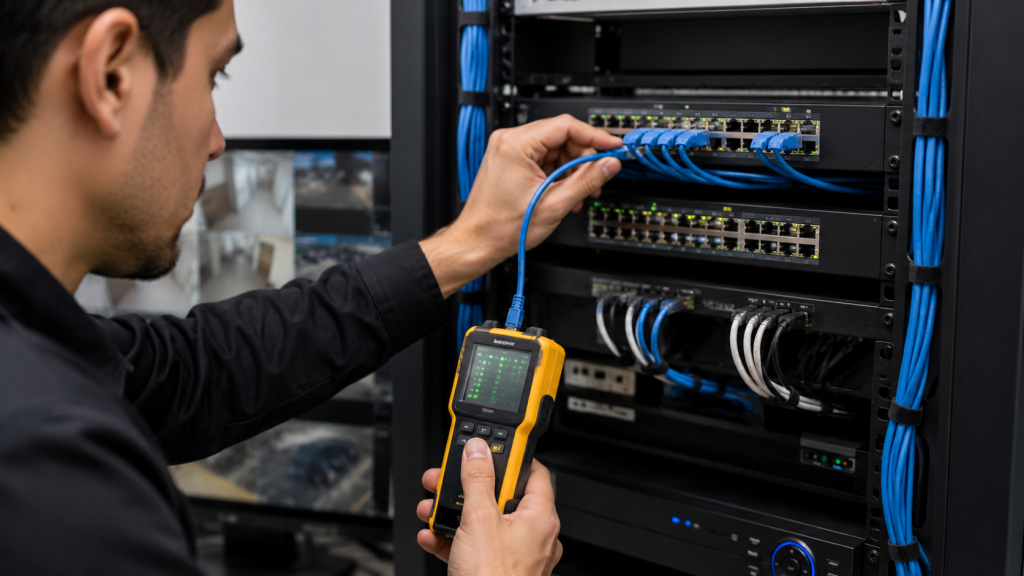
- Cable and connectors. Coax and Ethernet runs tested end to end for continuity and interference, with corroded ends, crushed sections, and failed junction boxes replaced and re-weatherproofed.
- Lens and housing. Cleaning, refocusing, replacing scratched or cracked optics, and resealing housings where water got past the gasket.
- Infrared illumination. LED arrays, the cut filter that flips the sensor between day and night mode, and light sensors that keep the camera stuck in the wrong mode.
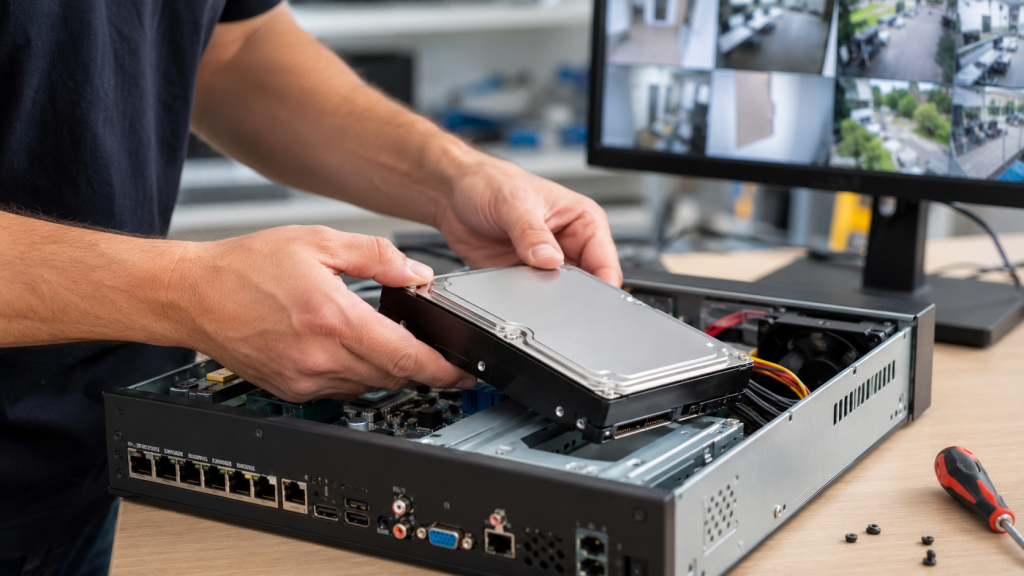
- DVR and NVR recorders. Boot faults, internal power supplies, failing drives, corrupted databases, and playback or export that stopped working when you needed footage.
- Network settings. Addressing conflicts, switch configuration, remote access, and app connections restored without leaving the system open to the internet.
- Firmware. Updates, rollbacks, and recovery on cameras and recorders that hang or drop features after a partial update.
- Mounts and brackets. Realignment to the original coverage, replacement of stripped or rusted hardware, and anchoring into brick, masonry, or soffit that has given way.
Repair or Replace
Repair makes sense when the failure sits in one component and the rest of the system still does its job.
A dead power supply, a cut cable, a bad drive, a knocked-loose camera, a firmware fault — all of these are worth fixing, and the equipment goes back to full service the same day in most cases. The same is true for a single failed camera on an otherwise healthy system, as long as a compatible unit is still available.
Replacement becomes the cheaper path when failures start repeating across the system, when the recorder and the cameras are both at the end of their life, or when a discontinued model has no parts left in circulation. Older analog CCTV setups reach that point sooner than IP systems: the cameras still work, but resolution is low enough that footage can’t identify anyone, and every repair buys a few months. If your setup falls into that category, we’ll say so on site, and you can weigh a repair against replacing the cameras outright. For buildings still running coax, we also service and upgrade analog CCTV systems, including hybrid recorders that keep existing cameras in place alongside new IP units.
Pricing, Payment, and Paperwork
Pricing is labor plus material, quoted as one total after the technician has diagnosed the fault on site.
You approve the number before any work starts. There is no separate rate for evenings, weekends, or holidays, and no fee added for the diagnosis when the repair goes ahead. Depending on the size of the job, payment is a deposit up front with the balance due on completion.
Repair work carries no warranty. The 90-day mechanical and 12-month electrical coverage applies to newly installed equipment, not to repairs, and we say that before you sign rather than after. If a fault isn’t economically repairable, you’ll hear that on the spot instead of paying for work that won’t hold.
We take cash, credit card, ACH, wire transfer, and check, along with Zelle and Venmo. Commercial clients can be invoiced or set up with a business account, and we handle tax exemption forms where they apply. Every visit ends with an invoice describing the work performed.
Service Area
We repair security cameras across all five boroughs and out to 75 miles from Midtown Manhattan.
That covers Lower Manhattan, Midtown, the Upper East and Upper West Sides, Harlem, and Washington Heights; Brooklyn from Williamsburg and Bushwick down through Park Slope, Bay Ridge, and Sheepshead Bay; Queens including Astoria, Long Island City, Flushing, and Jamaica; the Bronx from Mott Haven to Riverdale; and Staten Island. Beyond the city line, the same zone reaches Westchester, northern New Jersey, and western Long Island.
Arrival runs 20 to 40 minutes to most addresses, up to an hour at the edge of the zone, weekdays from 8 a.m. to 6 p.m. Property managers and business owners running several buildings can put every address on one account, with one point of contact and one invoice — the same arrangement we use for coverage across commercial sites.
Questions We Get on Repair Calls
These come up on almost every call about security cameras repairs.
How soon can someone get here?
Most addresses see a technician in 20 to 40 minutes, and up to an hour at the far edge of the service area. Calls are handled weekdays from 8 a.m. to 6 p.m.; we don’t run overnight emergency service.
Is the repair covered by a warranty?
No. Repair work is not covered by a warranty, and that’s explained before you sign anything. Warranty coverage — 90 days mechanical, 12 months electrical — applies only to newly installed equipment.
Can you fix a system that’s 12 years old?
Usually, yes. We service analog, IP, and hybrid systems from every manufacturer, including models pulled from production. The limit is parts: when a discontinued component has nothing compatible left, we tell you and lay out the alternatives.
What will it cost?
The price is labor plus material as one figure, given to you after the technician diagnoses the fault on site and before any work begins. Nothing is ordered or replaced without your approval.
Which brands do you work on?
All of them, wired and wireless. That includes Uniview, which is what we prefer to work with, and existing Hikvision equipment already on your property, along with IP and analog cameras, PTZ units, and DVR, XVR, and NVR recorders.
Do you charge extra for weekends or holidays?
No. There’s no after-hours, weekend, or holiday surcharge on our rates. Repair calls themselves are scheduled during business hours, weekdays 8 a.m. to 6 p.m.
How can I pay?
Cash, credit card, ACH, wire transfer, check, Zelle, or Venmo. Commercial clients can be invoiced or run a business account, and tax exemption forms are accepted where they apply.
Related Services
Cameras rarely fail on their own in a building that has other security equipment running.
If the alarm panel, the door strike, or the intercom quit around the same time — often after the same power event or the same contractor working in the building — those faults are handled under alarm and access system repairs, and one visit can cover both if you mention it when you call.
What our clients say