
- Home
- Security System
- Commercial Security Camera Systems Installation
Commercial Security Camera Installation in New York



and Installation Companies in New York
Since 1989, we’ve been securing homes and businesses across NYC and New Jersey with professional security solutions you can trust. Our licensed technicians provide 24/7 emergency service, using only the latest technology and backed by comprehensive warranties on all installations.


Security Cameras for Businesses Across NYC
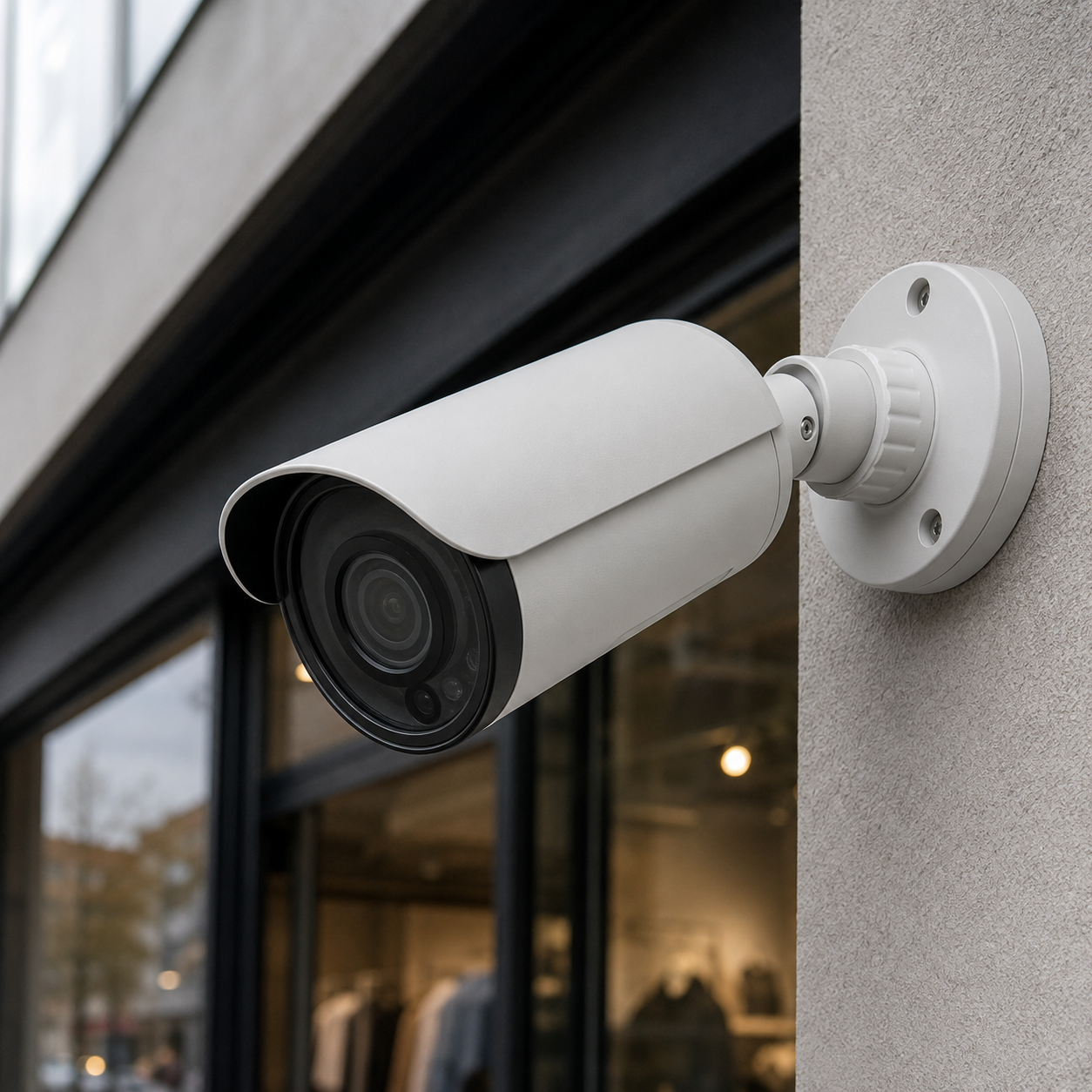
- Retail floors and storefronts: coverage sits on the register, the front door, and the aisles, so a shortage claim can be checked against a timestamp.
- Warehouses and loading docks: dock doors, bay approaches, and the yard get wide coverage, plus one camera on the shipping desk where paperwork changes hands.
- Offices and lobbies: views run from the building entrance to the elevator bank and the server room door, with door events lining up against recorded video.
- Restaurants: the bar, the register, the back alley door, and the walk-in are the four points that answer most of the questions that come up later.
- Auto shops: service bays, the customer lot, and the parts room, with one angle set to show vehicle condition on arrival.
- Medical offices: waiting rooms, corridors, and the storage room, with cameras kept out of exam rooms and views framed away from screens showing patient data.
Commercial security camera installation puts a working video system on a business property: cameras placed by task, cable pulled through walls and ceilings, a recorder set up on site, and remote access configured before the crew leaves. Lock and Tech USA installs these systems for stores, warehouses, offices, restaurants, auto shops, and medical suites across New York City. A job covers the site walk, camera placement, cabling, recorder and network setup, storage configuration, and on-site training once the system runs. Single-camera work and general residential-scale jobs sit on our camera mounting and setup service.
Security Camera Systems for Different Types of Business
Camera placement follows the way the business runs. A commercial security camera installation for a retail floor answers different questions than one for a loading dock, and the layout gets drawn from the points where money, inventory, and people change hands.
Retail stores and showrooms get cameras on the register, the entrance, and the aisle ends, plus one wide view of the floor. The register angle is framed tight enough to read the drawer and the customer’s hands, which is what settles a shortage claim or a disputed return.
Warehouses and distribution space get coverage across dock doors, the bay approach, and the shipping desk where paperwork gets signed. One camera down the dock line records what came off the truck; another on the yard gate records what left.
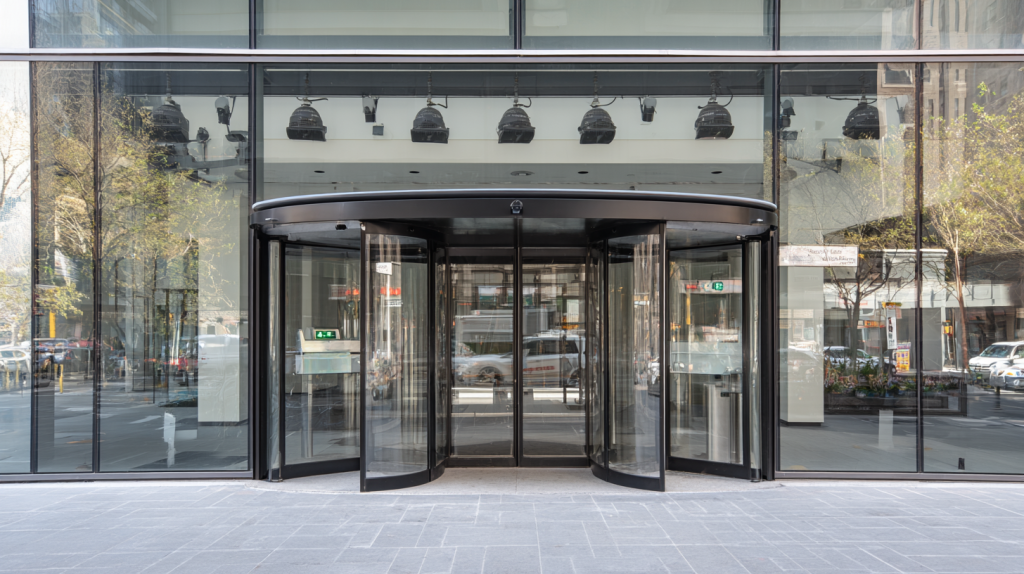
Offices and lobbies run on the front door, the elevator bank, the mailroom, and the server room door. In a multi-tenant building, an office CCTV installation stops at your suite line unless the building manager signs off on anything in shared corridors. Camera events line up against door records when the system runs alongside door entry control for business properties.
Restaurants come down to four points that answer most of what gets asked later: the bar, the register, the walk-in, and the back alley service door. Kitchen cameras go on the prep line and the delivery entrance, mounted clear of steam and grease.
Auto shops need the service bays, the customer lot, and the parts room, with one angle set to show vehicle condition on arrival. That is the recording that answers a claim about a scratch that was already there.
Medical offices get waiting rooms, corridors, the storage room, and the supply cabinet. Cameras stay out of exam rooms, and views are framed away from monitors and sign-in sheets.
What Drives the Cost of a Commercial Camera System
Security camera installation for business properties is priced as labor plus material, quoted after a site walk rather than over the phone. Five things move the number.
- Camera count and the number of separate viewing points: each entrance, register, and dock door is one camera, and each open area takes one wide unit.
- Property size and layout: drop ceilings and existing conduit keep runs short, while prewar masonry, freight shafts, and finished offices add hours to the pull.
- Cable type and run length: Cat6 to a PoE camera carries power and video up to 328 feet from the switch, and past that distance a mid-span switch or a fiber leg goes in.
- Recorder capacity and retention: holding 30, 60, or 90 days at a given resolution and frame rate sets the drive count and the recorder model.
- Working on an operating site: evening and weekend hours, floor protection, and staged cable pulls take longer than an empty build-out.
Before work starts there is a signed contract and, where it applies, a tax exemption form. Larger jobs take a partial deposit, with the balance due on completion. Payment goes by cash, card, ACH, wire transfer, check, Zelle, or Venmo, and commercial clients can set up invoicing or a business account instead of settling each visit.
Choosing Cameras for Each Area of the Property
Camera type follows the task at the mounting point. One commercial CCTV camera installation can carry four camera styles on a single recorder, each picked for what has to be readable in the footage.
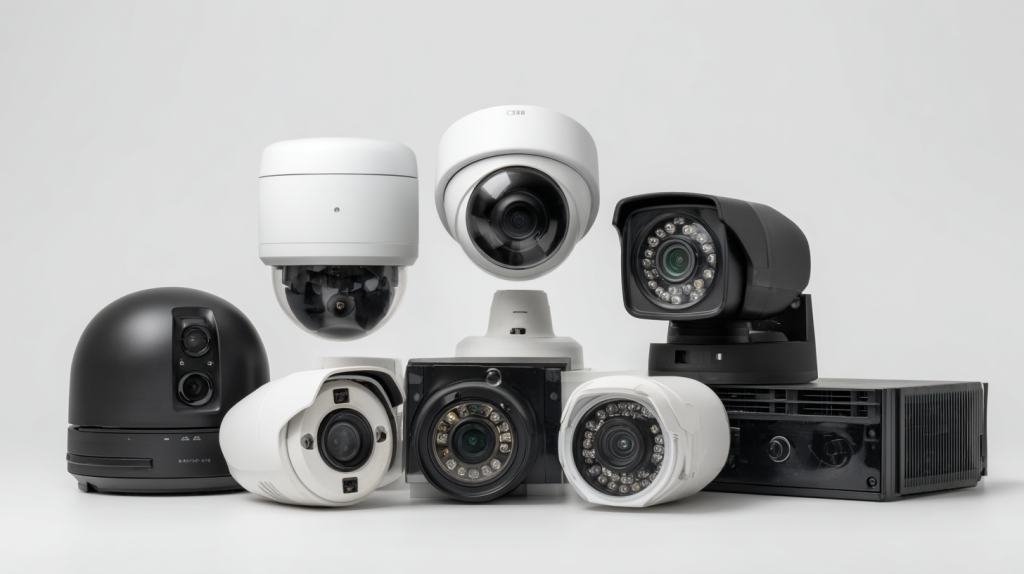
Open floor coverage runs off a 360-degree panoramic or fisheye unit on a ceiling in the middle of a sales floor or a warehouse aisle, which clears the blind corners that would otherwise take three fixed cameras.
Registers and cash handling take a turret at 4K, mounted eight to ten feet up and angled across the counter so the drawer, the hands, and the customer’s face land in one frame.
Entrances take one camera at face height framing the doorway, set for identification rather than area coverage, with a wider unit above it for context.
Loading docks and yards take bullet cameras with motorized zoom and long-range infrared, in weatherproof housings rated for a wall that gets direct weather.
Parking lots pair a PTZ running patrol tours with fixed cameras holding constant coverage on the entry and exit lanes, so nothing depends on where the PTZ happens to be pointing.
Unlit areas call for infrared on a back alley or a stockroom, and a camera with a larger sensor where street lighting is enough to keep color at dusk.
Vehicle plates need a dedicated license plate camera aimed along the lane instead of across it, with the shutter set for moving cars; a general lot camera at the same spot will show the vehicle and not the plate.
CCTV installation for a business with coax already in the walls can sometimes keep the existing cable and change out heads and the recorder. That path, along with hybrid recorders and analog upgrades, sits on our coax and analog system page.
How Installation Runs on an Operating Site
Commercial security camera installers here work around a business that stays open. Standard hours run 8 a.m. to 6 p.m. on weekdays, and any pull that crosses a sales floor or a dining room moves to an evening or a weekend.
The site walk comes first. Mounting points, cable paths, recorder location, and power get marked, and the scope goes into a written contract before anything is drilled.
Cable goes in next, through drop ceilings, existing conduit, or new conduit where the space is finished. Work areas are covered and cleaned at the end of each day, so a storefront opens the next morning the way it closed.
Cameras are mounted and aimed on the spot with a live view running, so the register frame or the dock line is confirmed before the ladder comes down.
The recorder and network come last: storage configured, user accounts created, remote access set on the phones and computers that need it.
Before the crew leaves, staff get a walkthrough on the actual system: live view, searching footage by time and camera, exporting a clip, setting alerts, and the mobile app on each device. Final payment is due on completion. Installation carries a 90-day mechanical warranty and a 12-month warranty on electronics, both covering parts and labor, with phone and email support during business hours.
Recording, Storage, and Access to Footage
Footage lands in one of two places: a network video recorder in your closet, or a cloud account. Most commercial CCTV installations run local, since drives on site carry no monthly fee and playback pulls straight off the network instead of an upload link.
Retention runs 30, 60, or 90 days on most systems, set by drive capacity against camera count, resolution, and frame rate. Dropping a 4K camera to 15 frames per second roughly doubles what fits on the same drive. Larger recorders take a RAID configuration, so one failed drive does not take the archive with it.
Access is set by user account at handover. The owner holds full rights, a manager can be limited to live view and a single day of playback, and a shift lead can be given one camera group. Clips export to a file with a visible timestamp for an insurance carrier or a police report.
Service Area
We cover the five boroughs and work out to 75 miles from Midtown Manhattan, which takes in northern New Jersey, Westchester, and southwestern Connecticut. Response time on a service call runs 20 to 40 minutes inside the city. Businesses with several sites run on one recorder standard and one account, so footage from each location opens in the same app without a separate login per address. Local details are on our pages for camera work in Lower Manhattan and Brooklyn commercial districts.
Frequently Asked Questions
How many cameras does my business need?
Camera count comes from fixed points plus open areas: one camera per entrance, per register, and per dock door, and one wide unit per open room. A single storefront usually lands between six and twelve cameras, while a warehouse with three dock doors and a yard runs higher.
Can you install while we stay open?
Yes. Drilling and cable pulls are scheduled for evenings, weekends, or off-peak hours, and the job is staged one area at a time so aisles, bays, and dining rooms stay usable during business hours.
How long is recorded video kept?
Most commercial systems hold 30 to 90 days of continuous recording. The exact window comes from drive capacity against camera count, resolution, and frame rate, and it is set during configuration rather than left at the factory default.
Who can view the recordings?
Only the accounts you authorize. Each user gets a role with defined rights, from full administrator down to live view on a single camera group, and rights can be changed or revoked as staff turn over.
Which camera brands do you install?
Uniview is our preferred line, and we install any system available on the market once requirements are settled with you. Equipment is confirmed in writing before the order goes in.
Do you handle several locations on one contract?
Yes. Multi-site businesses run under one contract with the same recorder standard and app at every address, which keeps playback and user rights consistent across locations.
Related Services
A commercial security camera installer usually touches more than the cameras on a property. Complete security systems for commercial buildings put alarm panels, sensors, and video under one design and one contract. Camera and recorder repair covers dead channels, failed drives, and units knocked out of alignment on systems already in place.
What our clients say