
- Home
- Telecommunications Services
- Video Conference Solutions
Video Conference Solutions in New York City



No IT Call Before the Meeting
Since 1989, we’ve been securing homes and businesses across NYC and New Jersey with professional security solutions you can trust. Our licensed technicians provide 24/7 emergency service, using only the latest technology and backed by comprehensive warranties on all installations.


Conference Room AV for Meeting Spaces
- Boardrooms. Long tables where the far end of the room is the hard part for both the camera and the microphones.
- Standard conference rooms. Six to twelve seats, where one well-placed camera and the right microphone layout cover everything.
- Huddle rooms. Three or four people close to the display, needing a wide angle so nobody sits outside the frame.
- Training rooms and classrooms. A presenter who moves, and an audience that also has to be heard.
- Divisible rooms. Spaces that split into two, each half working on its own when the partition closes.
- Executive offices. Single-person setups where the desk is also the meeting room.
- Multi-site offices. The same room configuration repeated across locations, so nothing has to be relearned.
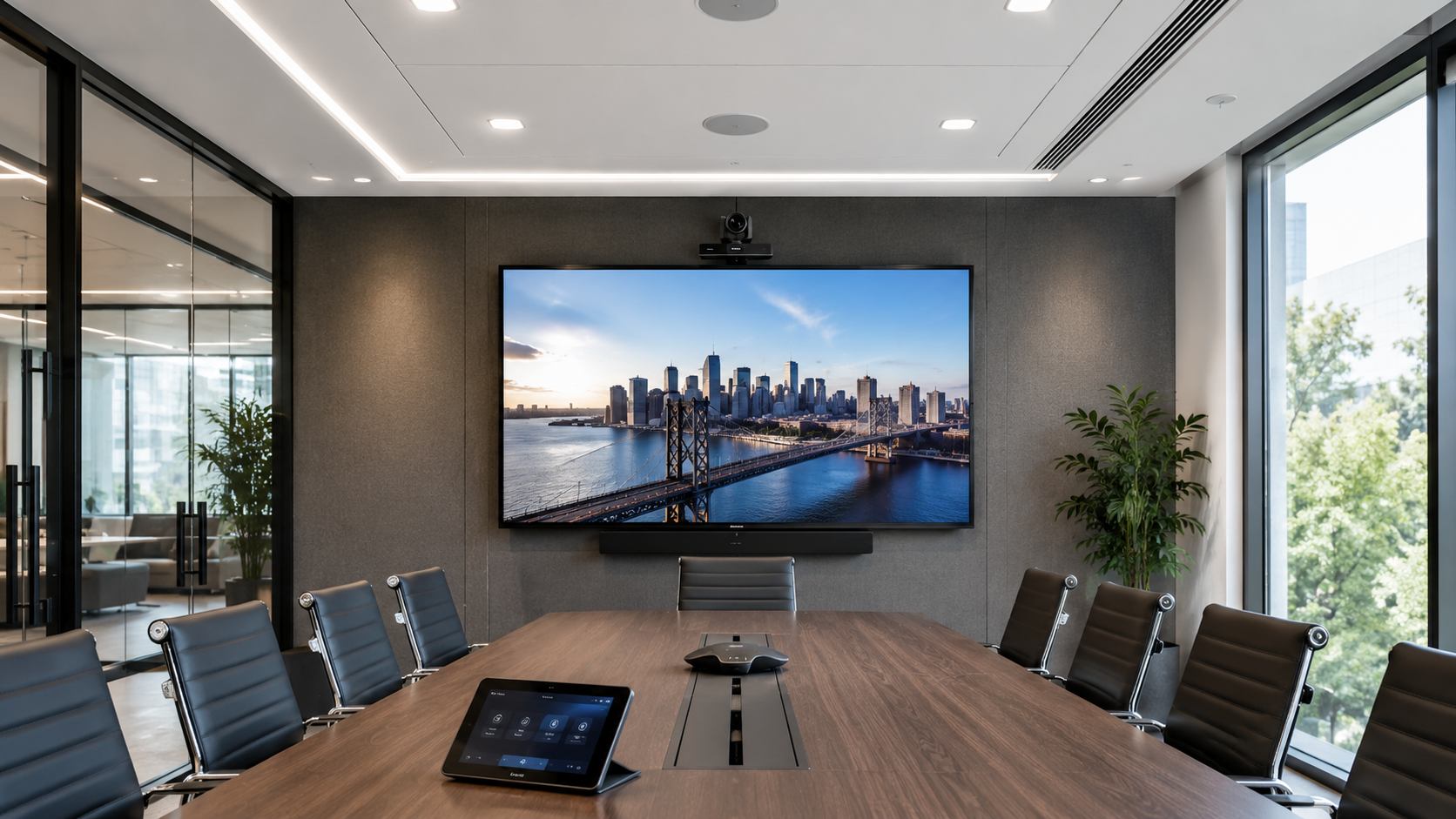
A video conference room works when nobody thinks about it: the meeting starts on the first press, everyone in the room is visible, and the people on the far end can follow what is being said without asking anyone to repeat it. Lock and Tech USA designs, cables, and configures conference rooms for offices across New York City, on weekdays between 8 and 6.
Video Conference Room Installation
Most rooms that disappoint were specified from a catalogue rather than from the room. A device sized for four people is put into a boardroom for fourteen; a camera made for a long table goes into a huddle room where it cannot see the two nearest seats. Video conference room installation starts with the room’s dimensions, its seating, its surfaces, and its light, because those decide what equipment can work in it.
Why Latency Matters More Than Bandwidth
A video call is not a large download. It is a continuous stream of small packets that has to arrive evenly, and it degrades from irregular delivery rather than from a shortage of capacity. That is why a connection which moves files quickly can still produce a call that stutters and freezes: the total throughput is fine, but the timing is not.
Two things follow. A conference room is best served by a cable to the rack rather than by wireless, because a wired connection delivers packets far more consistently — the wireless side of the same building is covered under wireless network installation. And call traffic is given priority over everything else on the network, so a large upload elsewhere in the office does not arrive as a frozen face in the meeting.
Room Size, Cameras, and Framing
Camera choice follows the room’s shape more than its price. A huddle room seats people close to the display, so the camera needs a wide field of view — otherwise the two people nearest it sit outside the frame entirely. A long boardroom has the opposite problem: a wide lens turns the far end into small figures, so the room needs either a camera that can frame tighter on whoever is speaking or a second camera covering the far half.
Mounting height matters as much as the lens. A camera above the display looks down on the table, and the far end spends the meeting looking at the tops of heads. At roughly seated eye level, people appear to be facing each other, which is the whole point of turning the video on.
Ceiling and Tabletop Microphones
A tabletop microphone sits close to the person speaking, so it picks up more voice and less of what the room does with that voice. The tradeoff is a cable on the table, occupied surface, and everything a table transmits — set-down cups, tapping, laptops sliding.
A ceiling microphone clears the table completely, which is why most new rooms want them, but it works from several feet further away. At that distance the ratio changes: it captures proportionally more reflection and background, so coverage has to be planned by seat rather than by room, and a large table usually needs more than one array. Neither type is better in the abstract, and rooms often use both — the survey decides it from the table size and how the room is used.
What the Room Does to Speech
Microphones record what has already happened acoustically. In a room with glass on two sides, a hard floor, and a bare table, speech reflects repeatedly before it reaches the microphone, and the far end hears a voice with the room wrapped around it. Processing helps — echo cancellation and noise suppression exist for exactly this — but it works on the signal after the damage, and no amount of it makes a hard room sound like a treated one.
The fix is physical: soft surfaces where they can go, something on the largest reflective plane, and attention to the wall directly behind the far end of the table. In practice this is why two identical equipment installations, in two rooms of the same size, produce noticeably different results.
What We Install
- Conference cameras, including framing and speaker-tracking types
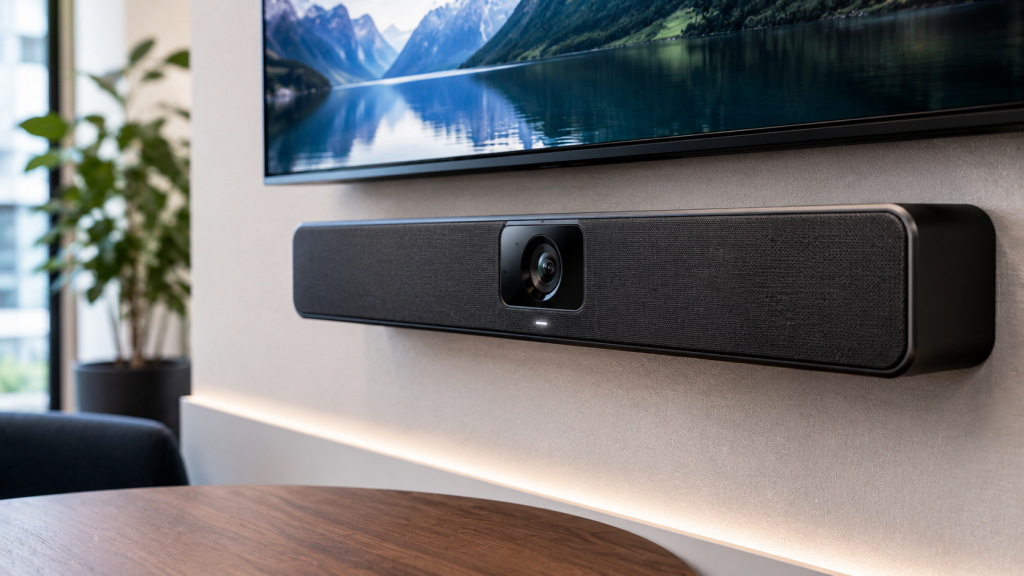
- All-in-one video bars for huddle and small rooms
- Ceiling and tabletop microphone arrays
- Speakers and audio processing for echo and noise
- Displays sized to the room and viewing distance
- Touch panels and one-touch room controllers
- Wireless presentation and content sharing
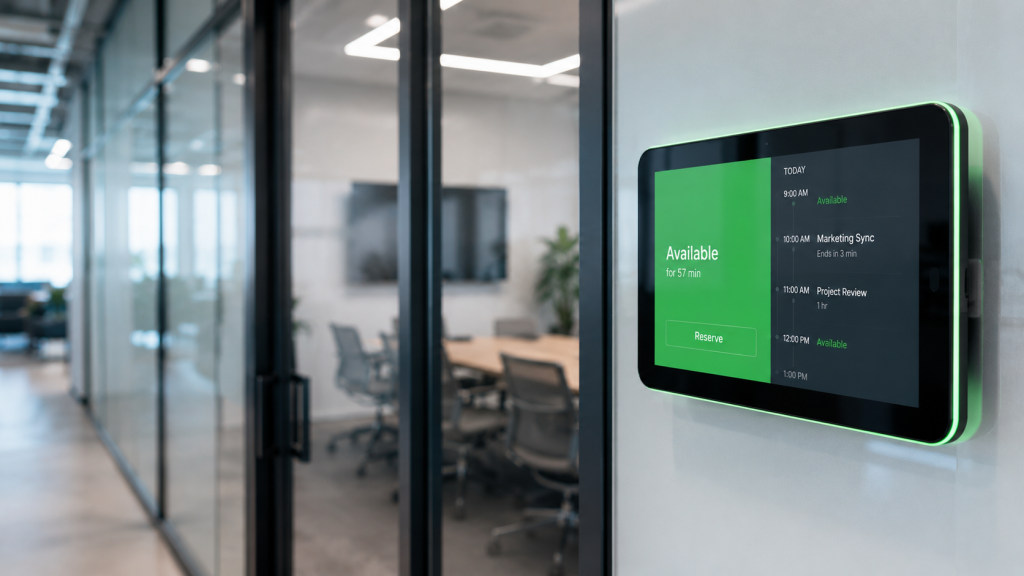
- Room scheduling displays outside meeting rooms
- Cabling, mounting, and rack setup
- Configuration for the platform your office runs on
Conference Room Technology Installation
Conference room technology installation covers the parts nobody sees. Cable runs to the display, the camera position, the ceiling array, and the rack, all placed before anything is mounted; power at each point; and the rack itself somewhere serviceable rather than in whatever cupboard was free. That cabling is part of the building’s wider infrastructure, covered under structured cabling.
Control is the visible half. A room that requires a laptop, three cables, and a guess at which input is selected will be avoided by everyone who can book a different room. One touch to start the scheduled meeting, one obvious way to share a screen, and volume that behaves as expected — that is the whole interface most people ever need, and configuring it well takes longer than mounting the hardware.
Video Conferencing Installation for Your Platform
Rooms are built for the platform the office already runs on — Microsoft Teams, Zoom, or Google Meet — so joining a meeting from the room works exactly like joining it from a laptop. Calendar integration puts the day’s meetings on the room display and starts them from the invitation rather than from a dial string.
Where the room also has to handle audio-only calls or a desk phone alongside the video system, the phone side is covered under business telephone systems. Across several offices, keeping room configurations identical is worth more than any individual feature: staff walk into any room in any location and use it without relearning anything.
Where We Install
We work in boardrooms, standard conference rooms, huddle rooms and small meeting spaces, training rooms and classrooms, divisible and multipurpose rooms, executive offices, and multi-site deployments where the same configuration is repeated across locations. We cover New York City and Brooklyn, along with Queens, the Bronx, Staten Island, and the surrounding areas within our service radius.
Our Process and Pricing
Work starts with a room assessment. We measure the room, look at seating, surfaces, light, and where cable can reach, and ask which platform the office runs and how the room actually gets used. That produces the equipment list — sized to the room rather than to a budget tier.
Installation cables and mounts the display, camera, microphones, and speakers, sets up the rack, and configures the room on your platform. Conference room av installation in an occupied office is scheduled around meetings, usually taking a room out of service for a day rather than disrupting the floor. Pricing is labor plus material for one total figure, itemized against the room list. On larger jobs payment is a partial deposit up front with the balance on completion, and a signed contract goes in place before work begins.
Before we leave we run a real call from the room, with someone from your side on the far end, and walk your team through starting a meeting and sharing content. Installation carries a 90-day warranty on the mechanical side and 12 months on electronics; repair visits are not covered by that warranty.
Warranty, Service Area, and Payment
Lock and Tech USA backs new installations with a 90-day mechanical warranty and a 12-month electrical warranty, covering both parts and labor. Repairs are not covered by a warranty. We provide installation within 75 miles of Midtown Manhattan and support extended zones, multiple locations, and multi-site service for clients with several properties. Phone and email support is available during business hours.
We accept cash, wire transfer, ACH, credit card, and check, as well as Zelle and Venmo, and we offer invoicing and business accounts for commercial clients. Depending on the size of the job, payment is typically a partial deposit up front with the balance collected on completion. Before starting, we require a signed contract and a tax exemption form if applicable.
Frequently Asked Questions
Our calls stutter even though the internet is fast. Why?
Ceiling or tabletop microphones?
Can you fix audio in a room we already have?
Which camera suits our room?
Will the room work with our conferencing platform?
What does a conference room cost?
What our clients say