
- Home
- Telecommunications Services
- Wireless Network Installation
Wireless Network Installation in New York City



Cabled, Not Guessed
Since 1989, we’ve been securing homes and businesses across NYC and New Jersey with professional security solutions you can trust. Our licensed technicians provide 24/7 emergency service, using only the latest technology and backed by comprehensive warranties on all installations.


Wireless Networks for Homes and Businesses
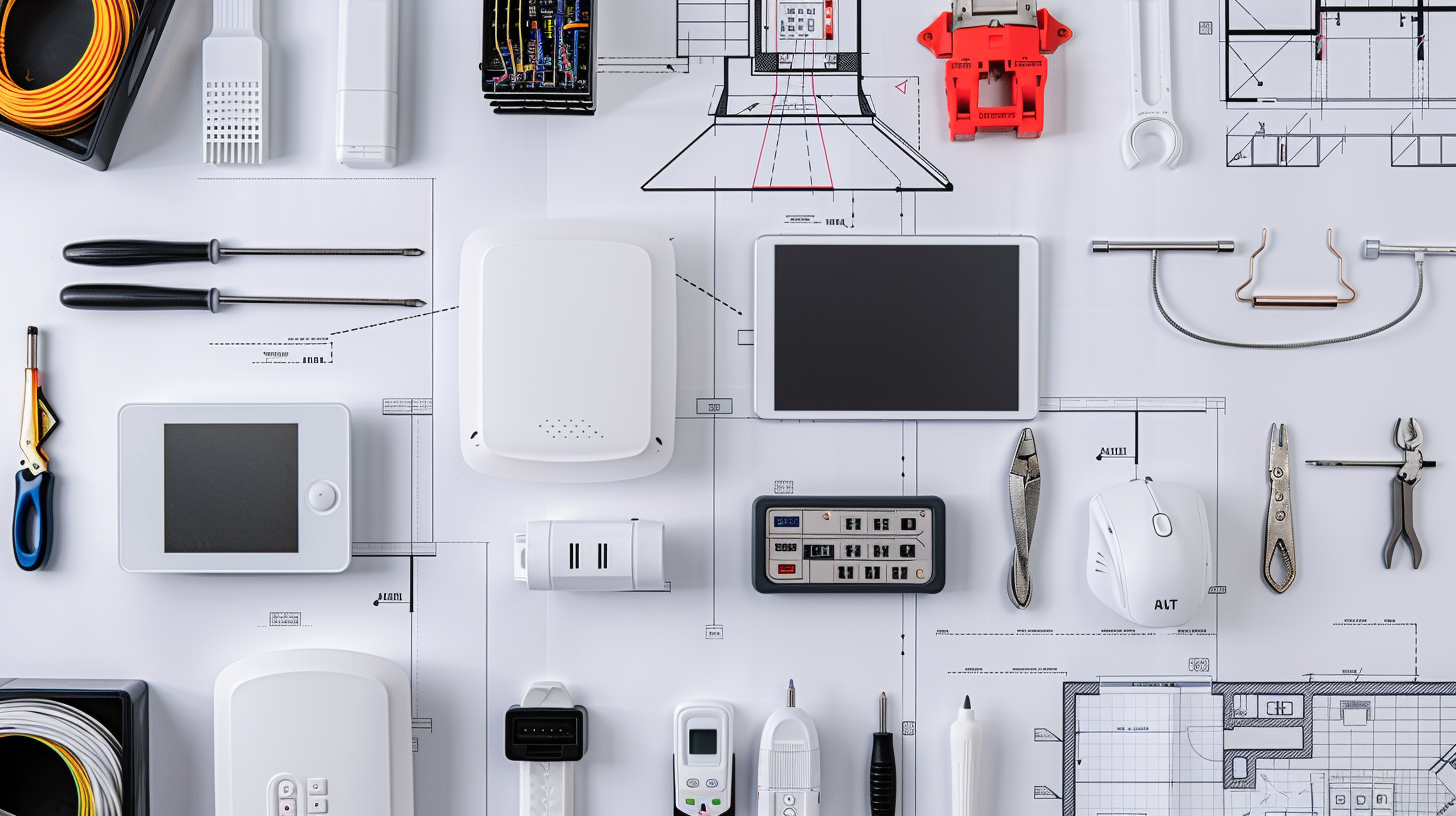
- Offices and corporate workspaces. Access point positions planned with the desk layout and cabled during the same job.
- Retail and multi-location businesses. Sales floor and stockroom coverage, with the same configuration repeated across sites.
- Warehouses and distribution facilities. Large open volumes and racking that blocks signal in ways an empty floor does not.
- Healthcare and professional offices. Coverage into treatment rooms without positions in the corridors doing all the work.
- Educational and institutional buildings. Dense classrooms where every seat is a device at the same moment.
- Multi-tenant and multi-floor buildings. Floors planned together so access points do not compete with each other.
- Apartments and houses. Pre-war walls where one router at the entrance never reaches the far room.
Wireless network installation is mostly a question about the building, not about the equipment. The same access point that covers an open floor plate reaches two rooms in a pre-war apartment, and no specification sheet predicts which. Lock and Tech USA surveys the space first, then places and cables access points for offices, retail spaces, warehouses, and homes across New York City, on weekdays between 8 and 6.
Wireless Network Installation
A wireless network is built in four stages: survey the space, decide where access points go and how many, cable and mount them, then configure the network they carry. Skipping the first stage is what produces the common outcome — equipment installed evenly across a ceiling grid, coverage that works in half the building, and nobody able to say why.
The Site Survey
A survey establishes how radio behaves in this particular building. We walk the space with measuring equipment and record what the signal actually does: where it passes, where it stops, and what stops it. Plaster over masonry, metal studs, elevator shafts, filing rooms, glass partitions, and racking full of stock each attenuate differently, and none of it appears on a floor plan.
The survey also records what else is transmitting. In a dense building, neighbouring networks occupy the same channels, and a position that tests well in an empty office can perform badly once the business next door comes online. Interference from lighting, motors, and certain equipment shows up here too.
From that data we determine access point positions and how many are needed. That is the output — positions and count, established by measurement rather than by dividing floor area by a number from a datasheet.
Access Point Placement and Cabling
Every access point position needs a cable run back to the rack, and power arrives over that same cable. This is the part most often discovered late: a position chosen for coverage is only usable if a route to it exists, so placement and cabling are decided together rather than in sequence. Wireless access point installation therefore includes the pull, the termination, and the switch capacity to power what is mounted, not just the mounting itself. The cabling side of the same job is covered under ethernet cabling, and the wider infrastructure it lands in under structured cabling.
Configuration
Once the hardware is in, configuration decides how it behaves. Channels are assigned so adjacent points do not compete, transmission power is set so devices hand over cleanly between them as someone walks a floor, and a guest network is separated from the internal one. Where several floors or several sites are involved, they are configured as one network rather than as separate ones that happen to share a name.
What We Install
- Site surveys with measuring equipment
- Access points for offices, warehouses, retail spaces, and homes
- Controllers and management configuration
- Cable runs and mounting for every access point position
- Guest network separation and network segmentation
- Roaming configuration across floors and buildings
- Channel assignment and interference handling
- Coverage for wireless devices, building systems, and equipment
- Integration with existing wired infrastructure
- Configuration documentation at handover
Business and Office Wi-Fi
Business wifi installation differs from a home setup in what the network is asked to do rather than in how much area it covers. An office floor has many devices in one place at the same moment, all of them active — video calls, cloud applications, file transfers — and the constraint becomes density rather than distance. That usually means more access points at lower power rather than fewer at higher, which is the opposite of what intuition suggests.
Office wifi installation also has to account for what else runs on the network. Where phones are wireless or run over the same infrastructure, voice is the traffic that suffers first when the network is under pressure, since a call degrades noticeably while a file transfer just takes longer — the phone side of that is covered under business telephone systems. Guest access, staff devices, and building systems are usually separated so one cannot affect the others.
Commercial wifi installation across retail chains or several sites benefits from being configured identically everywhere, so a device that works in one location works in the next without anyone touching it, and so a fault in one place is recognisable to whoever fixes it.
Wireless Network Design
Wireless network design turns survey data into a plan: where access points sit, what each covers, how they overlap so devices hand over cleanly, and how the whole thing is cabled back. Overlap is deliberate — a device moving through a building needs the next point to be usable before the current one becomes unusable, and networks designed as separate coverage islands drop connections at every boundary.
Generations of wireless technology matter mainly for density and for the additional frequency band newer ones use, which gives more room in crowded environments. What they do not change is the physics of the building: a newer standard does not travel through a masonry wall any better than an older one, which is why the survey governs the design regardless of what equipment is being installed.
Design also plans for growth. A floor that will hold twice the people in two years needs pathways and switch capacity for the access points that will be added, and providing for them while cable is being pulled costs a fraction of adding them later. Where the same job covers voice, equipment lines, and the rest of the low-voltage layer, that side is covered under low voltage and network cabling.
Where We Install
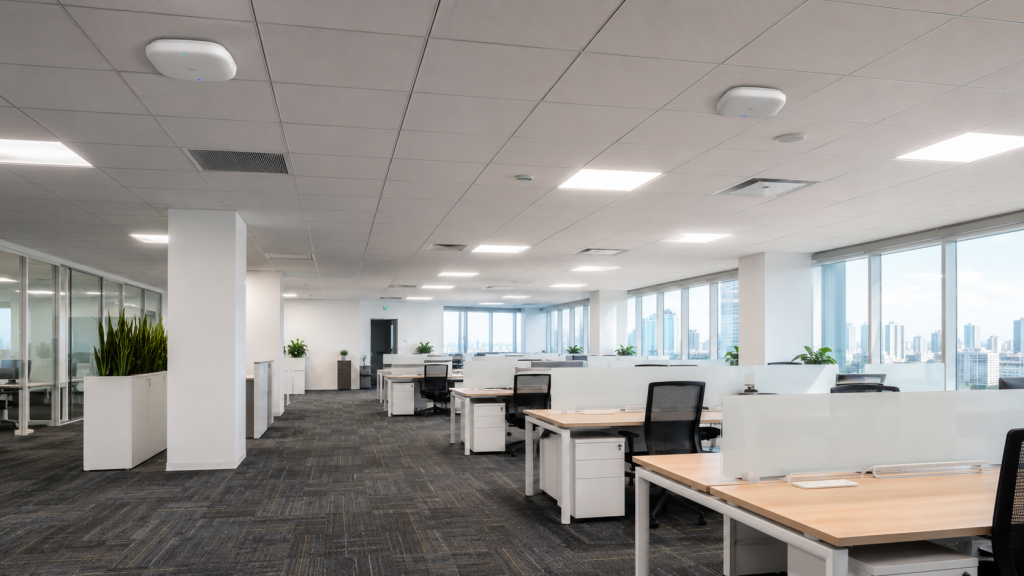
We work in offices and corporate workspaces, retail stores and multi-location businesses, warehouses and distribution facilities, healthcare and professional offices, educational and institutional buildings, multi-tenant and multi-floor commercial properties, and apartments and houses. We cover New York City and Brooklyn, along with Queens, the Bronx, Staten Island, and the surrounding areas within our service radius.
Our Process and Pricing
Work starts with a site assessment. A wireless network installer quoting before walking the building is pricing an assumption about how the walls behave, which is the one thing that cannot be assumed.
After the survey we give you positions, count, and what cabling each one requires. Installation runs the cable, mounts and powers the access points, and configures the network. Where the space is occupied, the existing network stays up while the new one is built, and the changeover happens at a time that suits you. Wireless network installation services are priced as labor plus material for one total figure, itemized against access point count and cable runs. On larger jobs payment is a partial deposit up front with the balance on completion, and a signed contract goes in place before work begins.
At handover you receive the network configuration and credentials documented, so whoever works on it next is not reverse-engineering it. Installation carries a 90-day warranty on the mechanical side and 12 months on electronics; repair visits are not covered by that warranty.
Warranty, Service Area, and Payment
Lock and Tech USA backs new installations with a 90-day mechanical warranty and a 12-month electrical warranty, covering both parts and labor. Repairs are not covered by a warranty. We provide installation within 75 miles of Midtown Manhattan and support extended zones, multiple locations, and multi-site service for clients with several properties. Phone and email support is available during business hours.
We accept cash, wire transfer, ACH, credit card, and check, as well as Zelle and Venmo, and we offer invoicing and business accounts for commercial clients. Depending on the size of the job, payment is typically a partial deposit up front with the balance collected on completion. Before starting, we require a signed contract and a tax exemption form if applicable.
Frequently Asked Questions
Why does a survey matter before installing?
Does each access point need a cable?
Can you separate guest Wi-Fi from our internal network?
Will one access point cover our office?
Can you install while we are working?
What does wireless network installation cost?
What our clients say