Upgrading a home security system means strengthening it in layers — deterrence, detection, and response — starting with the point an intruder would reach first. Rather than adding devices at random, an effective upgrade begins with an honest look at your weakest entry point, then works outward: locks, alarm sensors, cameras, monitoring, and automation. This guide covers each layer in the order that delivers the most protection per dollar.
Start by Identifying Your Weakest Entry Points
A security upgrade begins with an assessment of where your home is easiest to enter, because reinforcing the weakest point matters more than adding features elsewhere.
Walk the exterior and evaluate each access route the way an intruder would. The most common weak points are the same across most homes.
- Front and back doors with worn locks, hollow frames, or short strike-plate screws.
- Ground-floor windows, especially those hidden from the street or a neighbor’s view.
- The garage and any side or rear entrance, which are often less protected than the front door.
- Dark areas around the perimeter where someone could work unseen.
Rank these by how exposed and how reachable each one is. That ranking becomes the order of your upgrade.
Upgrade Your Locks and Entry Points
The strength of a door depends on its lock and frame, not the door itself. Most forced entries succeed because the strike plate or frame gives way, not because the lock is picked.
Reinforce each primary door with a solid deadbolt and a metal strike plate secured by long screws that reach the wall stud. This single change resists the kick-in method used in most break-ins.
Add secondary locks to ground-floor windows and consider a smart lock for doors you use most, which removes the risk of copied or lost keys. Rekeying or upgrading worn locks is quick work for a residential locksmith and is the highest-value first step for most homes.
Modernize Your Alarm Sensors
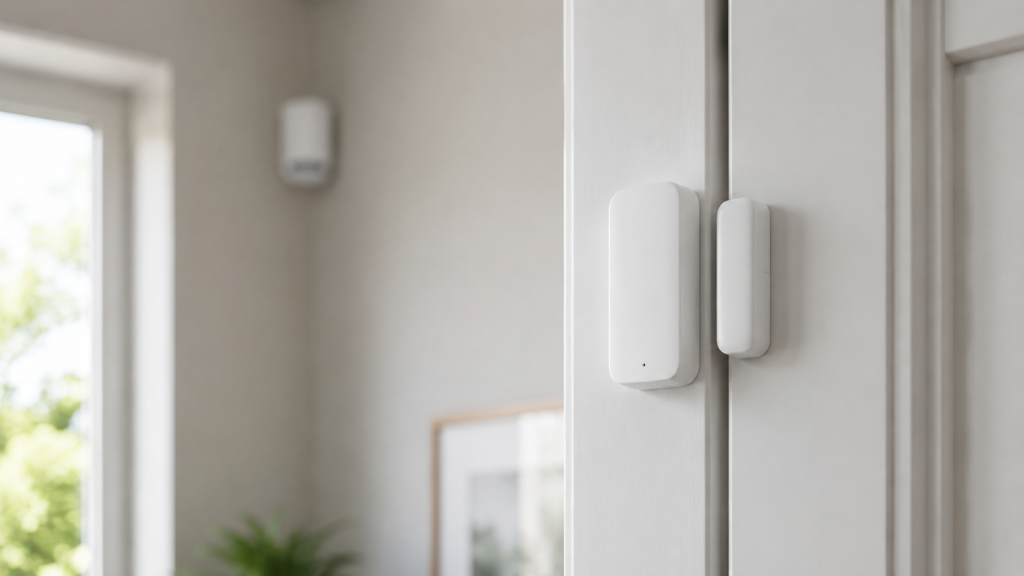
An alarm system detects intrusion through sensors placed at entry points and inside key rooms, then triggers a response when one is tripped.
Older systems often cover only the front and back doors. A modern upgrade extends coverage to the points people overlook.
- Door and window contacts that signal the moment an opening is breached.
- Motion sensors in hallways and main rooms to catch anyone who gets inside.
- Glass-break sensors for large windows and sliding doors that a contact alone won’t protect.
If your current system is wired and outdated, wireless sensors can extend coverage without opening walls. Professional installation ensures sensors are placed where they actually detect entry rather than where wiring was easiest.
Add or Upgrade Security Cameras
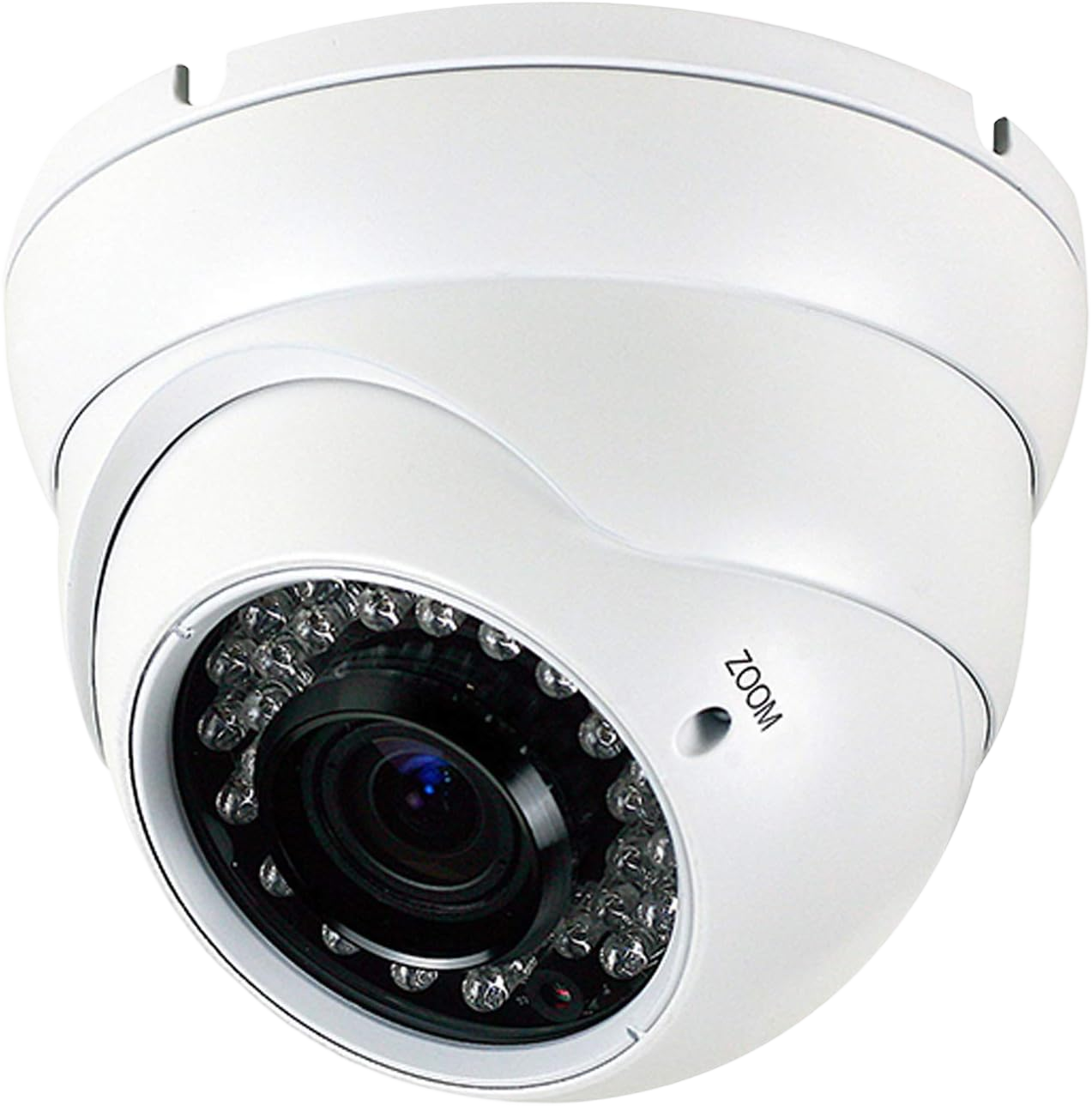
Cameras provide deterrence and evidence, but they do not replace sensors — a camera records an intrusion, while a sensor triggers the response that stops it.
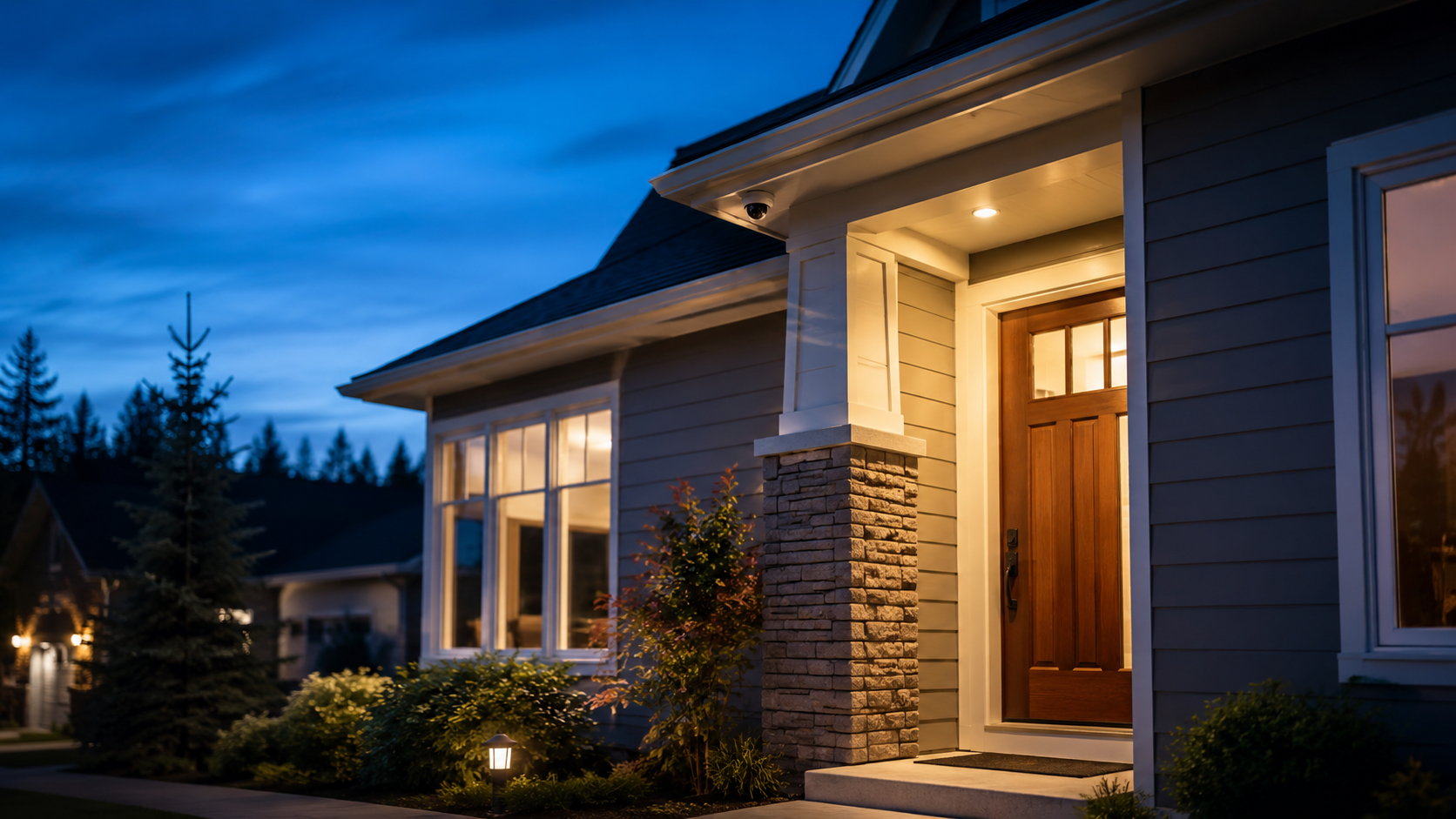
Prioritize coverage of every entry point identified in your assessment, plus a wide view of the driveway or approach. Placement matters more than camera count.
- Resolution and night performance, so footage is usable in low light when most break-ins occur.
- Mounting height and angle that capture faces, not just the tops of heads.
- Local versus cloud recording, so footage survives even if a device is tampered with.
A professionally designed camera layout closes blind spots that DIY placement usually misses. Adding cameras is a natural pairing with an alarm upgrade, and a home security camera installation can be planned around the same weak points you already mapped.
Upgrade to Professional Monitoring
Monitoring is what turns a tripped sensor into an actual response. Without it, an alarm only sounds locally and depends on someone nearby hearing and acting on it.
With central-station monitoring, a 24/7 monitoring center receives the alarm signal and dispatches emergency services even when you are away or asleep. This is the layer that converts detection into protection.
When upgrading, compare self-monitoring against professional monitoring, and add a cellular backup so the system stays connected if a phone line or internet connection is cut — a common tactic during break-ins.
Integrate Smart Automation and Access Control
Integration connects locks, alarm, cameras, and lighting into a single system you can manage and automate from one place.
Automated routines strengthen security without extra effort: lights that mimic occupancy, doors that lock on a schedule, and alerts sent the instant a sensor triggers. For households or properties with multiple users, keypad or access-control entry replaces shared keys and creates a record of who came and went.
Home Security Habits That Cost Nothing
Part of upgrading security is behavior, not equipment. Several of the most effective measures require no purchase at all.
- Keep the perimeter well lit and trim shrubs that create hiding spots near doors and windows.
- Avoid signaling an empty home — hold mail and package deliveries when traveling.
- Do not announce trips or absences on social media until you return.
- Check that doors and windows are actually locked each night, not just closed.
These habits reinforce every physical upgrade and cost nothing to maintain.
Frequently Asked Questions
Where should I start when upgrading home security?
Start with your weakest entry point. Assess which door, window, or access route is easiest to breach, reinforce it first, then work outward through alarm sensors, cameras, and monitoring.
Can I upgrade an old alarm system, or do I need a new one?
Most older systems can be upgraded rather than fully replaced. Wireless sensors extend coverage without rewiring, and monitoring or cellular backup can often be added to existing hardware.
Are wired or wireless security systems better?
Wired systems are reliable and hard to interfere with but require installation in walls. Wireless systems are faster to install and easier to expand. Many upgraded systems combine both.
Do I really need professional monitoring?
Monitoring is what dispatches help when an alarm triggers. Without it, the system only sounds locally. Professional monitoring is the layer that ensures a response when you are away or asleep.
Does upgrading home security lower insurance costs?
Often, yes. Many home insurers offer a discount for monitored alarm systems. Check with your provider, as the reduction depends on the system type and monitoring level.
Should I upgrade security myself or hire a professional?
Lock reinforcement and habit changes are straightforward DIY steps. Alarm sensor placement, camera layout, and monitoring integration are best done professionally so coverage has no blind spots.
When to Call a Professional
Reinforcing locks and improving security habits are steps most homeowners can handle themselves. Designing sensor coverage, planning camera placement, and setting up monitoring are where professional installation prevents costly gaps.
If you are ready to modernize an aging system or build a fully monitored setup in the New York City area, a professional security system installer can assess your home and upgrade each layer to work as one system.