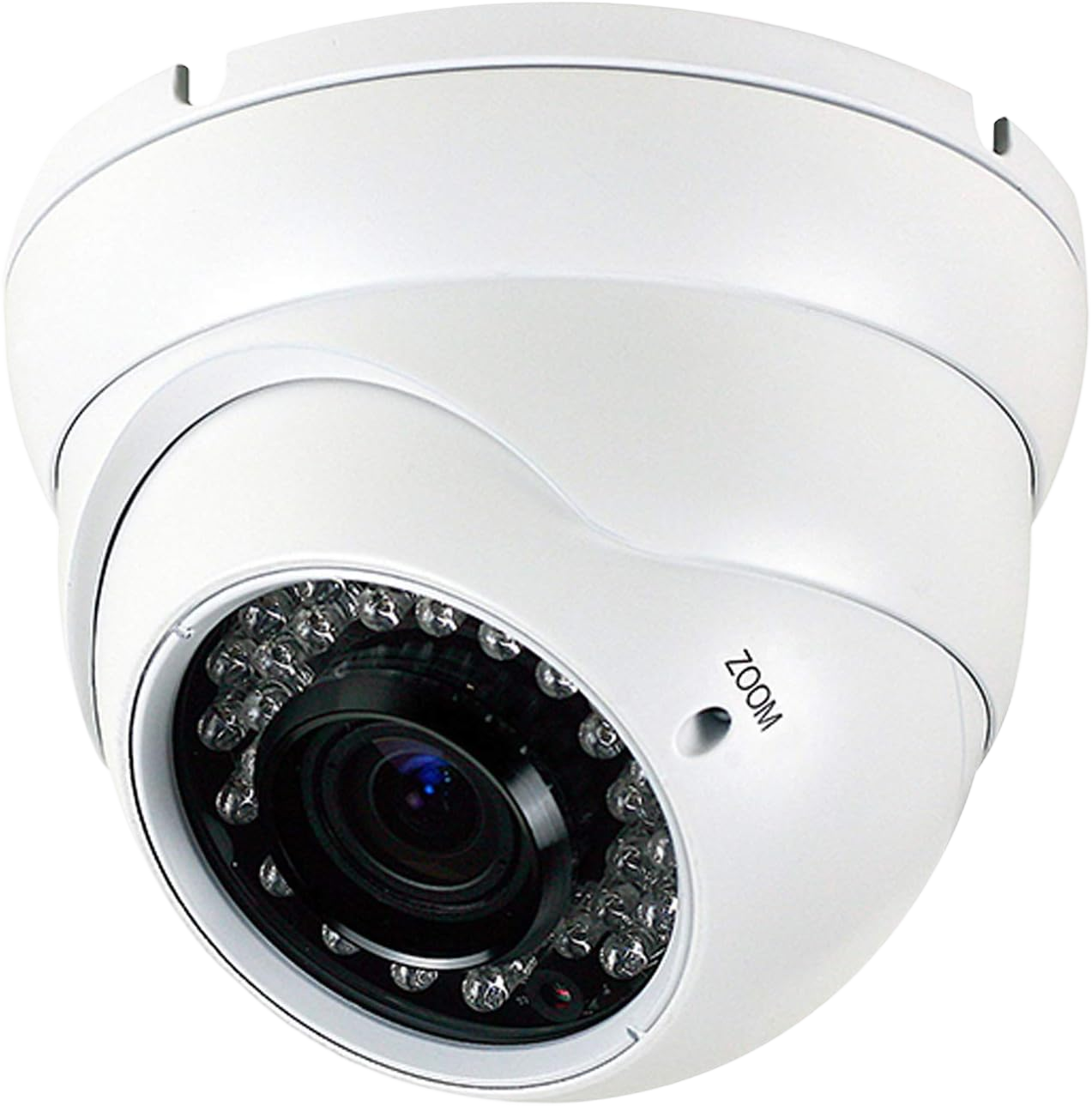

An Ethernet cable is a wired connection that carries data between devices on a local network, such as a router, computer, TV, or security camera. It transmits data through copper wires terminated in an RJ45 connector, delivering a faster and more stable connection than Wi-Fi. Ethernet cables come in categories — most commonly Cat5e, Cat6, and Cat6a — that determine their speed and bandwidth.
What an Ethernet Cable Does
An Ethernet cable’s purpose is to move data between devices over a physical wire instead of a wireless signal. It connects a device to a router, switch, or network port to provide internet and local network access.
A wired connection is more stable and consistent than Wi-Fi because it is not affected by walls, distance, or interference from other devices. This makes Ethernet the preferred choice for desktops, gaming, streaming, IP cameras, and any device that needs reliable throughput.
Some Ethernet cables also carry electrical power alongside data, known as Power over Ethernet (PoE). This lets a single cable both connect and power devices like security cameras, access points, and door intercoms.
What an Ethernet Cable Looks Like
An Ethernet cable has a wide rectangular RJ45 connector with eight metal contacts and a locking clip at each end, and contains eight copper wires arranged as four twisted pairs. For the full identification guide — telling it apart from a phone cable, reading the category printed on the jacket, and finding the port on your devices — see what an Ethernet cable looks like.
Types of Ethernet Cables: Cat5e, Cat6, and Cat6a
Ethernet cables are grouped into categories, written as “Cat,” that define their maximum speed and bandwidth. A higher category number supports higher data rates over a given distance.
Cat5e supports speeds up to 1 Gbps at 100 MHz and is sufficient for most home internet and standard networking. It is the baseline for modern installations.
Cat6 supports up to 10 Gbps over shorter runs (about 55 meters) and 1 Gbps at full distance, at 250 MHz. It handles higher-bandwidth needs and is a common choice for new wiring.
Cat6a supports 10 Gbps across the full 100-meter distance at 500 MHz, with heavier shielding. It is used where sustained high speed over longer runs is required, such as offices and camera networks.
Shielded vs Unshielded (UTP vs STP)
The difference between shielded and unshielded Ethernet cable is whether the internal wires have an added layer of protection against electrical interference.
Unshielded twisted pair (UTP) has no extra shielding and is suitable for most homes and offices where interference is low. It is thinner, more flexible, and less expensive.
Shielded twisted pair (STP) adds a foil or braided shield around the pairs to block interference. It is used in environments with heavy electrical noise, such as industrial spaces or cable runs near power lines.
Solid vs Stranded and Cable Length Limits
Ethernet cable comes with either solid or stranded copper conductors, and each is suited to a different use.
Solid conductors carry signal better over distance and are used for permanent, in-wall cabling. Stranded conductors are more flexible and are used for patch cables that plug devices into wall jacks.
A single Ethernet run over copper has a maximum length of about 100 meters (328 feet). Beyond that distance the signal degrades, and a switch or fiber link is needed to extend the network further.
When You Need Professional Cabling
Running Ethernet inside walls, between floors, or throughout a building requires structured cabling rather than plugging in patch cords. In-wall runs must be routed, terminated, and tested to perform at their rated speed.
Professional installation ensures cables are the correct category for the intended speed, terminated properly at wall jacks, and kept within the 100-meter limit. Poor terminations and improper routing are the most common cause of a network that runs slower than the cable’s rating.
For homes and offices in the New York City area, a professional Ethernet cabling installation handles the design, in-wall routing, and testing so the network performs at full speed.
Frequently Asked Questions
What is the difference between Cat5e and Cat6?
Cat5e supports up to 1 Gbps at 100 MHz, while Cat6 supports up to 10 Gbps over short runs and operates at 250 MHz. Cat6 offers more bandwidth and is better suited to high-speed or future-proofed networks.
Is Ethernet faster than Wi-Fi?
An Ethernet connection is generally faster and more stable than Wi-Fi because it is not affected by distance, walls, or interference. For consistent speed on stationary devices, a wired connection is preferred.
How long can an Ethernet cable be?
A single Ethernet run over copper can be up to about 100 meters (328 feet). Beyond that, the signal weakens, and a network switch or fiber-optic link is required to extend the connection.
Are all Ethernet cables the same?
No. Ethernet cables differ by category (Cat5e, Cat6, Cat6a), shielding (UTP or STP), and conductor type (solid or stranded). These determine the cable’s speed, interference resistance, and intended use.
Does the cable category affect internet speed?
It can. If the cable’s category is rated below your network’s speed, it becomes the bottleneck. For speeds above 1 Gbps, Cat6 or Cat6a is needed rather than Cat5e.
Can I run Ethernet cable myself?
Short patch cables are simple to connect yourself. Running cable inside walls or between floors is best done professionally, since proper routing, termination, and testing are what allow the cable to reach its rated speed.
Getting Ethernet Wired Professionally
Choosing the right Ethernet cable is straightforward once you know the category and use, but installing it correctly is what determines real-world performance. In-wall wiring, proper termination, and testing separate a network that runs at full speed from one that underperforms.
If you need Ethernet wired throughout a home or office in the New York City area, a professional structured cabling team can plan and install the network to perform at its rated speed.