Setting up a smart home starts with choosing an ecosystem and a central hub, then adding devices in order of usefulness and linking them into automations. The ecosystem you pick — Amazon Alexa, Google Home, or Apple Home — determines which devices work together, so that decision comes first. This guide walks through the setup in the order that avoids compatibility problems: ecosystem, protocols, hub, devices, and automations.
Choose a Smart Home Ecosystem First
Setup begins with choosing an ecosystem, because it decides which devices will work together and how you control them.
The three main platforms are Amazon Alexa, Google Home, and Apple Home. Each acts as the central app and voice assistant that manages your devices, and most smart products list which platforms they support.
Choose the ecosystem that matches the devices you already own. If you use iPhones, Apple Home integrates tightly; if you already have Echo or Nest speakers, Alexa or Google Home is the natural fit.
Matter is a newer industry standard designed to let devices work across all three ecosystems. Choosing Matter-compatible devices reduces the risk of being locked into a single platform.
Understand Smart Home Protocols: Wi-Fi, Zigbee, Z-Wave, and Matter
Smart devices communicate over different wireless protocols, and the protocol determines whether a device connects directly or needs a hub.
Wi-Fi devices connect straight to your router with no hub, which is simple but can strain the network when many devices are added.
Zigbee and Z-Wave are low-power protocols that require a hub. They form a mesh network where devices relay signals to each other, extending range and reliability.
Matter and Thread are the newest standards, built for cross-platform compatibility and stable local control. Matter works over Wi-Fi and Thread, and is supported by all three major ecosystems.
Set Up a Central Hub or Smart Speaker
A hub or smart speaker is the control center that connects your devices and runs your automations.
For Wi-Fi and Matter devices, a smart speaker such as an Echo, Nest, or HomePod — or just the platform’s app — is often enough to get started.
For Zigbee or Z-Wave devices, you need a dedicated hub that speaks those protocols. Place the hub centrally in the home so it maintains a strong connection to devices in every room.
Add Devices in Priority Order
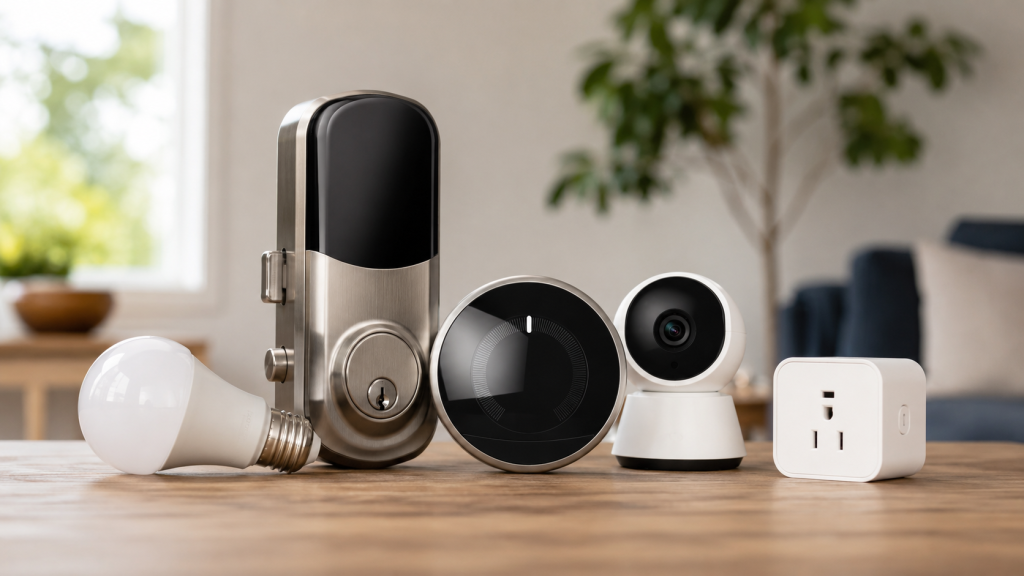
Add devices in order of usefulness rather than all at once, which keeps setup manageable and helps you learn each device before adding the next.
- Smart lighting. Smart bulbs or switches are the easiest starting point and deliver immediate daily value.
- Smart locks and video doorbells. These add security and convenience at your main entry points.
- Smart thermostat. A connected thermostat automates heating and cooling and reduces energy use.
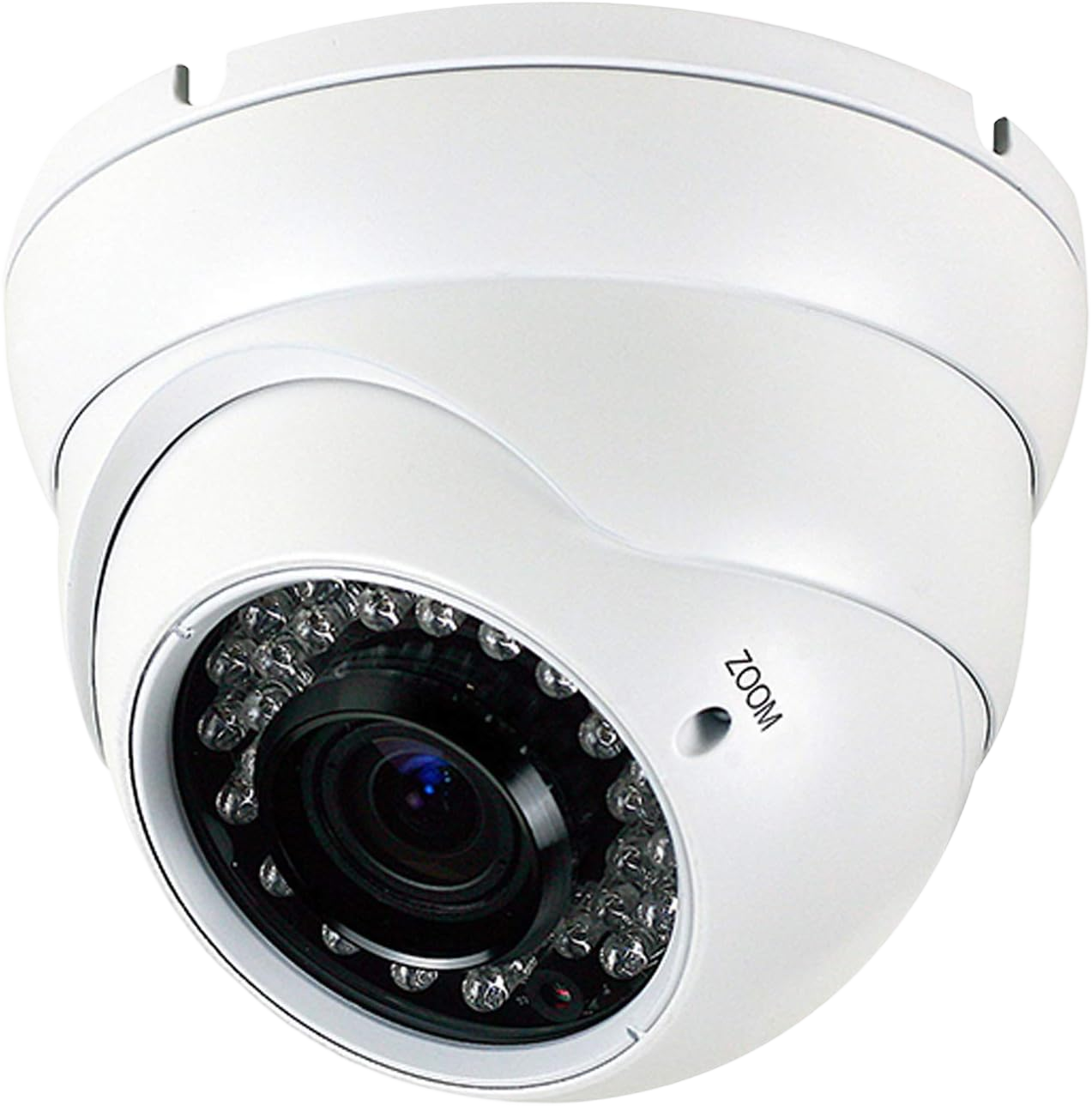
- Cameras and sensors. Indoor and outdoor cameras, plus motion and contact sensors, extend monitoring and trigger automations.
- Smart plugs and appliances. These bring existing devices, like lamps and coffee makers, into the system last.
Create Automations and Scenes
Automations link devices together so they act automatically in response to a trigger, which is what turns a collection of gadgets into a smart home.
A trigger can be a time of day, your phone’s location, or a sensor. For example, lights and the thermostat can adjust when you leave, or entry lights can turn on when a door sensor opens after dark.
Start with one or two simple automations and expand from there. Common starting scenes include a “leaving home” routine that locks doors and turns off lights, and a “vacation” mode that mimics occupancy while you are away.
Secure Your Smart Home Network
Connected devices expand the ways a network can be attacked, so securing it is part of the setup, not an afterthought.
- Change the default passwords on every device and on your router.
- Put smart devices on a separate guest or IoT network, isolating them from computers and phones.
- Keep device firmware and the hub’s software updated to close known vulnerabilities.
These steps protect the same devices — locks, cameras, and sensors — that are meant to make the home safer.
When to Bring in a Professional Installer
Plug-and-play devices are designed to be self-installed, but wired integrations and whole-home systems are where a professional installer prevents compatibility and reliability problems.
Hardwired lighting, motorized shades, and multi-room setups involve electrical work and in-wall wiring that go beyond a DIY installation. Integrating smart controls with an alarm system, cameras, or access control also calls for professional design so the pieces work as one system.
For a fully integrated setup in the New York City area, a professional home automation installer can design and wire the system, and specialized work like smart lighting control can be built in from the start rather than added later.
Frequently Asked Questions
Do I need a hub to set up a smart home?
Not always. Wi-Fi and Matter devices can connect directly through a smart speaker or app. A dedicated hub is required for Zigbee and Z-Wave devices, which do not connect to the router on their own.
Which smart home ecosystem is best?
The best ecosystem is the one that matches the devices you already use. Apple Home suits iPhone households, while Alexa and Google Home pair naturally with Echo and Nest devices. Matter-compatible devices work across all three.
What is Matter in a smart home?
Matter is an industry standard that lets smart devices work across Amazon Alexa, Google Home, and Apple Home. It reduces compatibility problems and avoids locking you into a single platform.
Can I set up a smart home myself?
Yes, most plug-and-play devices like bulbs, plugs, and speakers are designed for self-installation. Wired lighting, motorized shades, and integration with security systems are best handled by a professional installer.
How much does it cost to set up a smart home?
A basic setup with a speaker and a few smart bulbs can start under a few hundred dollars. Whole-home systems with wired lighting, shades, and security integration cost more and depend on the number of devices and installation work.
Is a smart home secure?
A smart home is secure when the network is protected. Change default passwords, put devices on a separate network, and keep firmware updated. These steps prevent connected devices from becoming an entry point.
Building a Smart Home That Works Together
A smart home works best when the ecosystem, protocols, and devices are chosen to fit together from the start, rather than assembled piece by piece with mismatched parts.
If you want a fully integrated system in the New York City area — one that connects lighting, security, and automation into a single setup — a professional home automation team can design and install it to work as one.