The top smart home upgrades, in the order that returns the most for what you spend, are a reliable home network, smart lighting and wall switches, a smart lock, a video doorbell, a smart intercom, a smart thermostat, security cameras tied into an alarm, motorized shades, water leak sensors, and smart plugs with scene control. That order matters more than the list itself. Most national roundups rank devices by features; this one ranks them by how much they change an ordinary day, and by whether they can survive the buildings people actually live in around New York City.
The 10 Top Smart Home Upgrades, Ranked by Payoff
Three filters shaped this ranking: the upgrade has to earn its place through daily use rather than novelty, it has to work with the phones and speakers you already own, and it has to be installable in the kind of housing you live in. That last filter eliminates a surprising number of highly rated products once you are dealing with a pre-war walk-up or a co-op with a board.
1. A Home Network That Can Actually Carry the System
Everything below this line depends on it. A single router pushed into a corner of a railroad apartment will not cover a device in every room, and the failures it produces — a lock that responds five seconds late, a camera that drops its feed — get blamed on the devices instead of the network. Before buying anything else, get coverage into every room where a device will live, either with a mesh system or with wired access points in a larger home. This is the least visible upgrade on the list and the one that determines whether the other nine feel reliable or annoying.
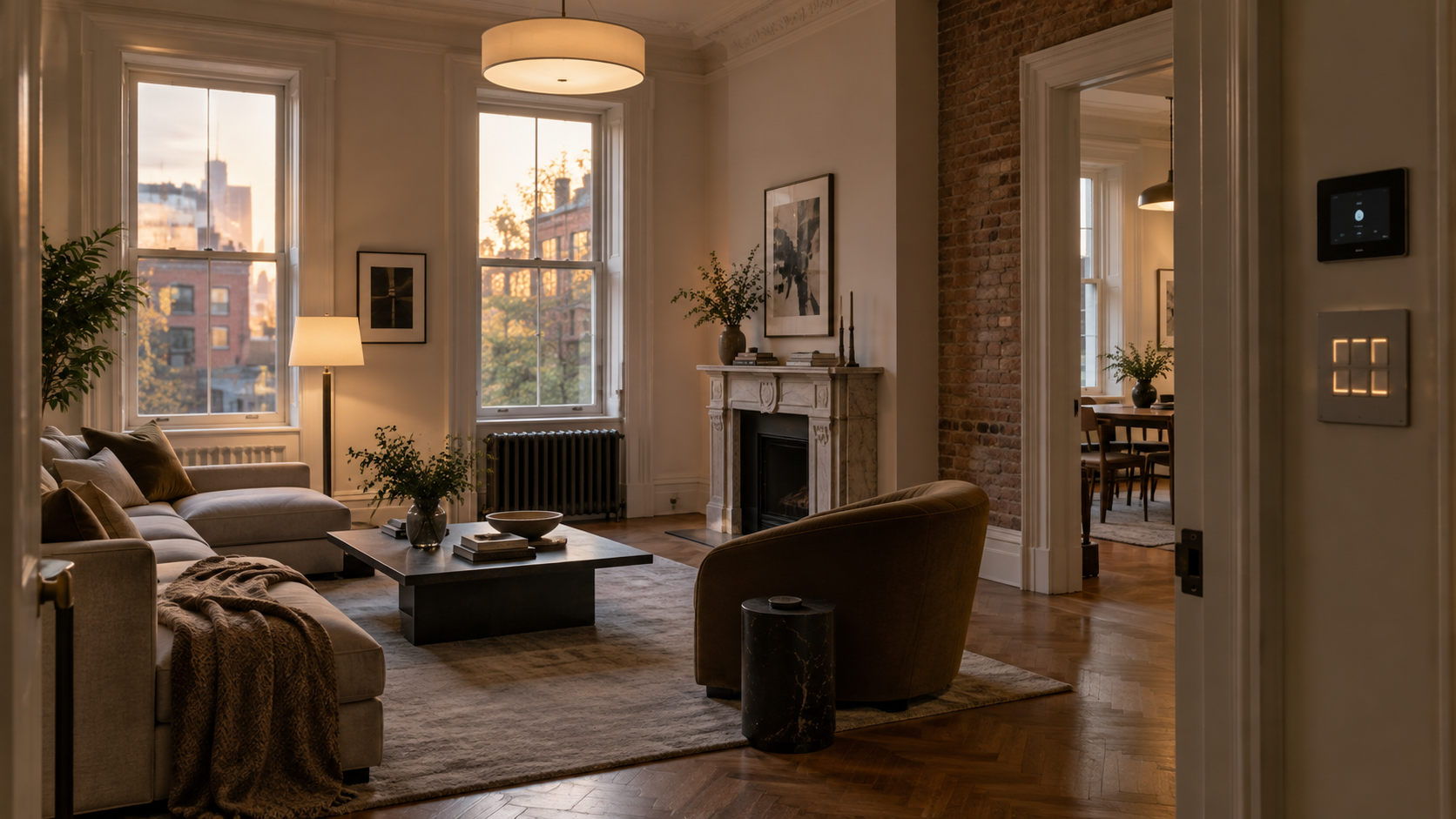
2. Smart Lighting and Wall Switches
Lighting is the upgrade people touch most and notice fastest. The important choice is switches versus bulbs: smart bulbs are cheap and reversible but stop working the moment someone flips the wall switch off, while smart switches keep normal wall control and bring the whole fixture into automations. For anything hardwired, ceiling fixtures, or multi-room scenes, smart lighting control done at the switch is the version that still works in year three.
3. A Smart Lock and Keyless Entry
A smart lock delivers convenience and security in the same purchase, which is why it is the most common first upgrade. Keyless entry means temporary codes for a dog walker or a contractor instead of a spare key you never get back. One practical warning: a smart lock is only as good as the door it sits on. If you currently have to lift or push the door to throw the deadbolt, the lock’s motor will fight that resistance until it fails. Realigning the strike plate first is the step most self-installations skip.
4. A Video Doorbell and Package Protection
In a city where deliveries are left in vestibules and lobbies, a doorbell camera does more work than it does in the suburbs. It answers the door when you are not home, records who came and when, and gives you something to show building management when a package disappears. In a single-family house or brownstone it also covers the entry that cameras usually miss.
5. A Smart Intercom for Apartment Buildings
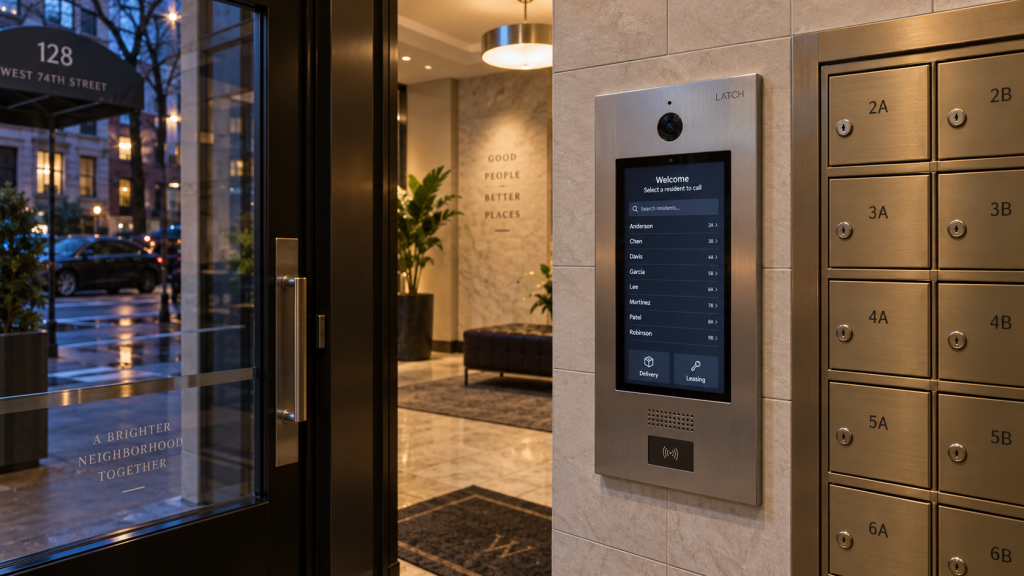
This is the most New York item on the list and the one absent from every national guide. If you live in a multi-unit building, the intercom is your real front door — it controls the vestibule, the lobby, and often the garage. Modern IP intercoms from manufacturers such as ButterflyMX and Aiphone let residents see and release the door from a phone anywhere, issue delivery access, and keep an entry log the building can review. Replacing a failing wired handset system with an IP intercom usually improves security for every unit at once, which is also what makes it an easier proposal to bring to a board.
6. A Smart Thermostat and Climate Control
A smart thermostat pays for itself in a home with forced-air heating and central cooling, through scheduling and setbacks you never have to remember. In much of New York’s older housing stock the picture is different, and the section further down explains why. In a house, a condo with its own air handler, or any home with mini-splits, this belongs high on the list. In a pre-war apartment on building steam, it belongs lower.
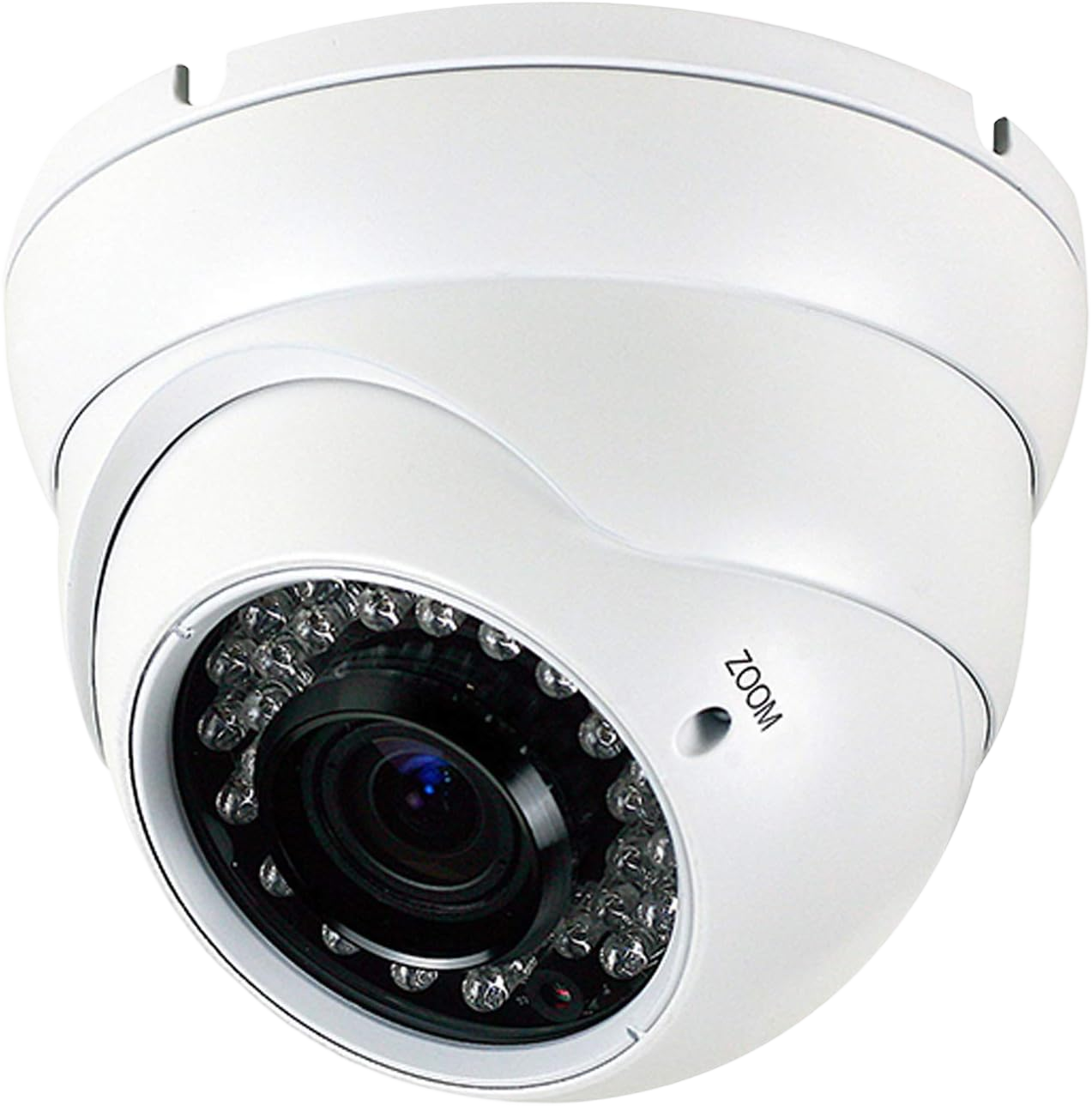
7. Security Cameras Tied Into the Alarm
Cameras on their own are a recording device. Cameras integrated with an alarm and with lighting become a system: motion after dark turns on lights, a triggered sensor pulls up the relevant camera, and alerts arrive with something to look at rather than a bare notification. The upgrade here is less about buying cameras than about connecting the ones you have to everything else.
8. Motorized Shades
Shades sit in the middle of the list because their value is uneven. On tall windows, hard-to-reach windows, or a wall of south-facing glass, they are transformative and also cut cooling load meaningfully. On two ordinary bedroom windows they are a luxury. They are also the upgrade most improved by being planned before a renovation rather than after, since the wiring and pocket details are far easier to handle with the wall open.
9. Water Leak and Environmental Sensors
The cheapest insurance on this list. Battery sensors placed under sinks, behind the washing machine, and at the water heater cost very little and alert you before a slow leak becomes a ceiling repair in the apartment below — which, in a co-op, becomes your financial problem quickly. Pair them with a smart shutoff valve where the plumbing allows it.
10. Smart Plugs, Scenes and One App for Everything
Plugs bring lamps, fans, and window units into the system with no installation at all, and they are the natural entry point for renters. The larger upgrade at this stage is consolidation: getting every device into one app and building three or four scenes — leaving, arriving, night, away — that trigger without anyone opening a phone. A house full of individually smart devices that never talk to each other is the most common way this goes wrong.
The New York Constraints That Decide What You Can Install
Half the advice in national smart home guides assumes a detached house built in the last forty years, with attic access, a garage, and forced-air heat. New York housing breaks most of those assumptions, and the constraints below decide what is realistic before any product comparison matters.
Pre-War Wiring and Switch Boxes Without a Neutral
Most smart switches need a neutral wire to power themselves. In buildings wired before roughly 1950, the neutral is often not present in the switch box, and the boxes themselves are frequently too shallow for a smart switch to fit behind the plate. The workarounds are real — no-neutral switches, or moving the intelligence to the fixture — but the choice has to be made after someone opens a box and looks, not from a product page.
Steam Radiators and What a Smart Thermostat Can’t Do
If your heat comes from building steam through radiators, a smart thermostat has nothing to control: the boiler is not yours and the radiators have no thermostat wiring. Smart radiator valves and room sensors can regulate individual rooms, and a smart thermostat still earns its place for a window or through-wall air conditioner. But the energy savings promised in national guides assume a furnace you own.
Co-op and Condo Board Approval
Anything touching the building envelope, the intercom, the front door hardware, common areas, or the electrical panel typically needs board or management approval, and in some buildings a licensed contractor and a certificate of insurance on file. Inside-the-apartment devices that plug in generally do not. Knowing which side of that line an upgrade falls on prevents having to undo work.
Renting: Reversible Upgrades Only
As a renter, restrict yourself to what leaves no trace: plugs, bulbs, sensors, a mesh network, and retrofit locks that mount over the existing deadbolt without changing the exterior hardware or the landlord’s keys. Everything reversible on this list still covers roughly two-thirds of the daily benefit.
Where to Start If You Can Only Do Three Things
- Renting an apartment: network coverage, smart plugs with a few bulbs, and a retrofit lock or a set of leak sensors depending on whether convenience or protection matters more to you.
- Co-op or condo: network coverage, smart switches where the boxes allow it, and a smart lock. If the building intercom is aging, raising it with the board is worth more to your daily life than anything you install inside the unit.
- House or brownstone: network coverage, smart lighting at the switch, and a video doorbell with cameras. Climate and shades follow once the foundation is stable.
Budgets vary widely by how much of this is wired versus plug-in, and the home automation cost guide breaks down what each layer typically runs.
DIY or Professional Installation
The dividing line is not difficulty, it is wire and integration. Plugs, bulbs, battery sensors, mesh nodes, and most retrofit locks are genuinely self-installable in an afternoon. Anything behind a wall plate, anything replacing a fixture, motorized shades, intercom equipment, and anything meant to trigger an alarm or an access control system involves electrical work and system design that determines whether the result is reliable.
If you are building from nothing rather than upgrading an existing home, the sequence in our guide on how to set up a smart home covers ecosystem and protocol decisions in the order that avoids compatibility problems. If you want the wired layers designed as one system, our team handles smart home automation installation across New York City and the surrounding area, including the pre-war wiring and building-approval work that comes with it.
Frequently Asked Questions
What is the single best smart home upgrade to start with?
A reliable home network. It is not the most exciting purchase, but every other device depends on it, and weak coverage is the most common reason a smart home feels unreliable.
What are the top smart home upgrades for an apartment?
Smart plugs and bulbs, mesh network coverage, leak sensors, and a retrofit smart lock. In a multi-unit building, an upgraded IP intercom delivers more than anything installed inside a single apartment.
Do smart home upgrades increase home value?
They influence how quickly a property sells more than they add a fixed amount to its price. Integrated lighting, security, and climate systems read as recent renovation work; a drawer of unconnected gadgets does not.
Can I install smart home upgrades in a rental?
Yes, as long as they are reversible. Plugs, bulbs, sensors, mesh routers, and over-the-deadbolt locks leave the apartment as you found it. Anything hardwired needs the landlord’s permission.
Which smart home upgrades need an electrician?
Smart switches and dimmers, hardwired fixtures, motorized shades, and any integration with an alarm panel or access control system. In older buildings this also covers boxes that lack a neutral wire or are too shallow for modern devices.
Building It in the Right Order
The list works as a sequence, not a shopping cart. Start with the network, add the layer you will touch every day, then extend into security and climate once the foundation holds. Most disappointment with smart homes comes from doing this backwards — buying the interesting devices first and discovering later that nothing connects them.