
- Home
- Telecommunications Services
- Smart Home Automation Installation
Home Automation and Smart Home Installation in New York City



One Contractor, One System
Since 1989, we’ve been securing homes and businesses across NYC and New Jersey with professional security solutions you can trust. Our licensed technicians provide 24/7 emergency service, using only the latest technology and backed by comprehensive warranties on all installations.


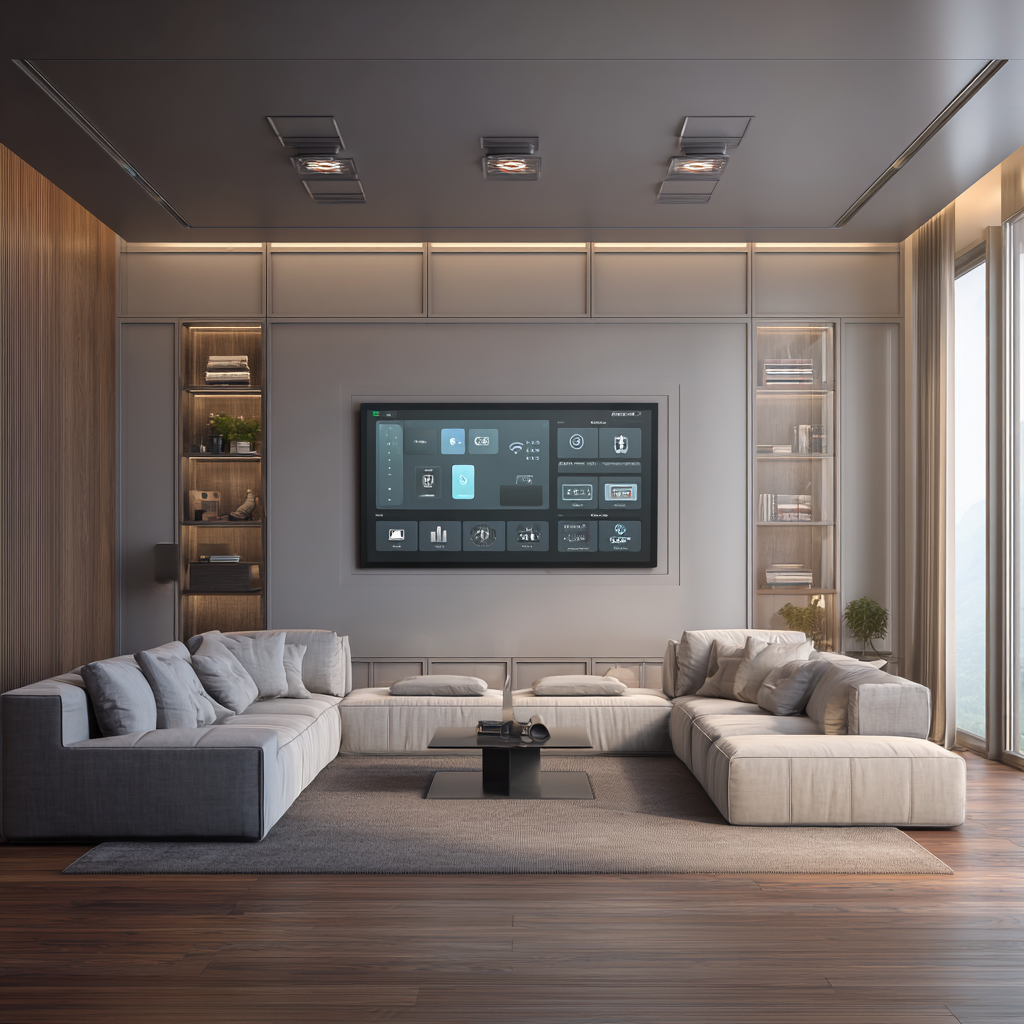
Home Automation for New York Homes
- Apartments and co-ops. Systems planned around board rules on drilling and quiet hours, using existing chases and wireless links where cable cannot go.
- Condominiums. Automation kept inside the unit, with nothing that depends on building systems you do not control.
- Townhouses and brownstones. Several floors on one controller, so scenes work the same on every level.
- Single-family houses. Whole-home coverage including garage, outdoor lighting, and climate zones.
- Renovations. Wiring and back boxes placed while walls are open, so the finished system needs no visible additions.
- New construction. Automation drawn into the plan alongside electrical, before anything is closed up.
- Buildings and commercial spaces. Shared areas, lobbies, and offices on one system with one point of responsibility.
Home automation installation is the work of putting the parts of a home — lighting, shades, entertainment, locks, sensors, climate — on one controller, one network, and one interface, so they behave as a single system instead of a collection of apps that each want their own attention. Lock and Tech USA designs and installs smart home automation systems for apartments, co-ops, townhouses, and single-family houses across New York City. Every project ends the same way: the system tested, the app set up on your phone, and a walkthrough of how it all works.
Home Automation Installation
Most homes we walk into already have automated devices in them. A smart thermostat, a video doorbell, a couple of connected bulbs, a lock someone installed last year — each with its own app, none aware of the others. What home automation installers do is different from adding another device: we put a controller at the centre, get everything talking to it, and program what should happen together. The point is not more devices. It is fewer decisions.
What a Home Automation System Includes
Four layers. The controller is the piece that holds the logic and keeps working when the internet does not. The network underneath it has to reach every device reliably, which in a masonry apartment or a three-storey townhouse is rarely the router that came from the provider. The subsystems are the things being controlled — lights, shades, audio and video, locks, sensors, climate. Control sits on top: wall panels, keypads, phone and tablet apps, and voice where you want it. Home automation installers who skip the middle two layers produce a system that works in the demo and fails in February.
How the Installation Works
The first visit is a walkthrough. We look at the rooms, the wiring, the panel, the network, and whatever is already installed, and we ask how the household actually runs — who gets up first, which lights nobody ever turns off, what you want to stop thinking about. That conversation is the part a home automation consultant is for, and it decides more than the equipment list does.
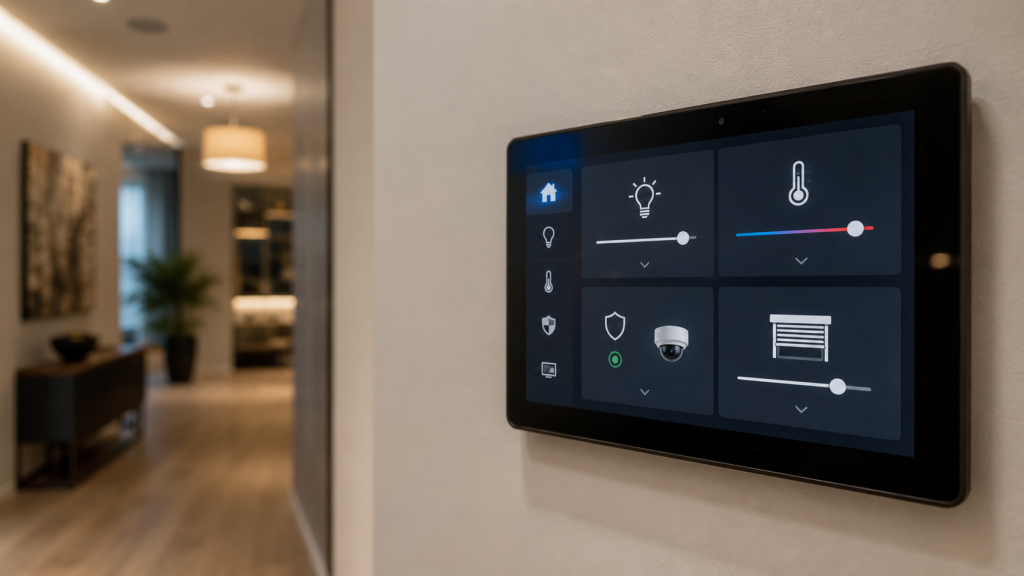
From there we produce a design, then install: cable where cable is needed, controller and network hardware in one place, devices and keypads in the rooms. Programming comes after — scenes, schedules, and the rules connecting subsystems. Then testing, then handover on site, where we run the system with you, set up the mobile app, and leave the configuration documented so the next change is not archaeology.
New Builds, Renovations, and Existing Homes
In new construction, automation is drawn alongside the electrical plan and everything is wired. It costs the least and does the most. In a renovation the walls are open for a window — we place back boxes, cable, and neutral wires while that window lasts, even for subsystems you plan to add in two years. In a finished home we work with what exists: wireless links where cable cannot go, existing switch locations reused, and the co-op board’s rules on drilling and quiet hours built into the schedule rather than discovered halfway through.
What We Automate
Subsystems share one controller and one app, but each is designed on its own terms — different wiring, different failure modes, different reasons for choosing one approach over another. Below is what each one covers, with the detail on its own page.
Lighting
The subsystem people notice most, because it runs dozens of times a day. Dimmers and keypads replace existing switches, scenes group rooms and levels together, and schedules follow sunrise and sunset rather than clock times. Retrofits usually need a neutral wire at each location, which is what the survey checks first. Full detail on lighting control.
Motorized Shades
Shades handle heat, glare, and privacy on a schedule instead of on request. Wired motors are quieter and never need charging; battery motors go in where power cannot be run. Either way they pair naturally with lighting, so one scene handles both. Measurement and mounting depth decide the options. Full detail on motorized shades.
Audio and Video
Sources in one rack, sound and screens in several rooms, one control layer over all of it. This is where automation and entertainment overlap: a single command can bring up a display, select a source, set volume, and dim the room around it. Theatres and multi-room audio are their own projects. Full detail on audio and video automation.
Door Locks and Entry
Locks that report their state and take codes rather than keys, so the system knows whether the house is secured and can act on it. Codes can be issued and revoked without changing hardware. Retrofit depends on the existing door and strike, which we check before quoting. Full detail on home automation door systems.
Garage Doors
The door most often left open by accident. Connected openers report position, close on a schedule or on departure, and fold into leaving and arriving scenes. Existing openers can usually be adapted rather than replaced, depending on the age of the unit and its safety sensors. Full detail on home automation garage doors.
Alarm and Sensor Integration
Sensors already installed in the home — contacts, motion, water, smoke, temperature — can feed the automation system as inputs. Arming can set lights, shades, locks, and climate to an away state in one action. This is integration with what exists, not alarm work; that side lives on home automation alarm systems.
Climate
Thermostats and zone controls on schedules that follow occupancy rather than guesswork, with shades and climate coordinated so the system stops cooling a room it could simply shade. Multi-zone houses gain the most. Existing equipment often integrates without replacement. Full detail on climate control.
Whole-Home Systems and Single-Room Setups
Whole home automation means one controller covering every room and every subsystem, with scenes that work anywhere in the house and one app that shows all of it. It is the right approach when the house is being built or gut-renovated, or when enough separate systems have accumulated that consolidating them is cheaper than continuing to live with them.
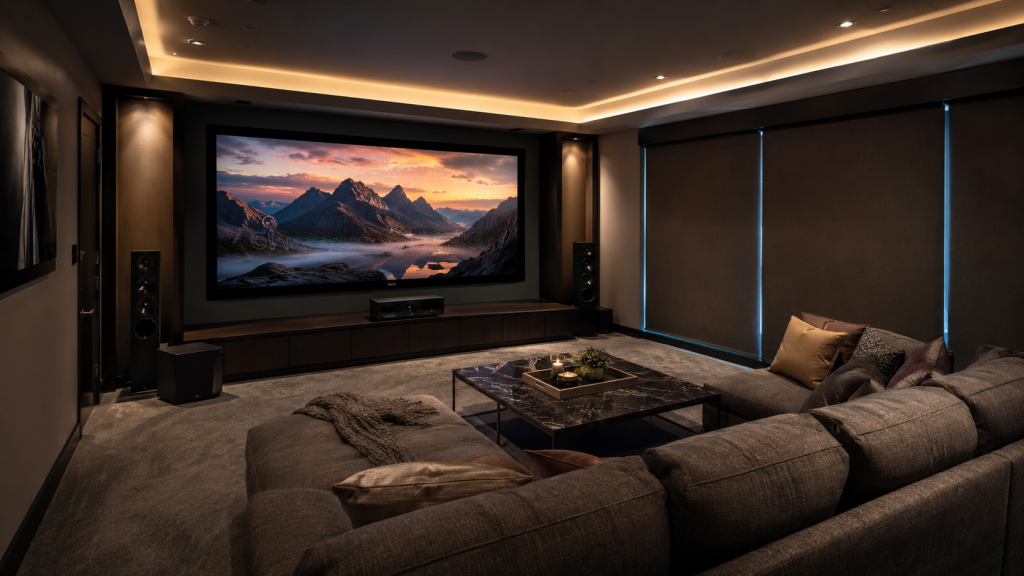
A single room is a legitimate starting point and often the better one. A media room, a primary bedroom, or a kitchen can be done on its own, on a controller sized for the whole house. Adding the next room later is then a matter of devices and programming rather than starting over. What matters is that the first room is built on a foundation that scales — the wrong controller chosen for one room is the reason people rebuild at room three.
Automation for Buildings and Commercial Spaces
The same work applies to shared and commercial space. Building lobbies and common areas run lighting and shades on schedules with seasonal adjustment. Amenity rooms, gyms, and lounges get scene control simple enough for residents to use without instruction. Offices, showrooms, and restaurants automate lighting, shades, climate, and display systems around opening hours instead of manual routines at each end of the day. Property managers with several addresses can keep them on one system with one point of contact. The survey covers the same ground as a residential project: what is installed, what the network can carry, and how the space actually gets used across the day.
Where We Install
We work in apartments and co-ops, condominiums, townhouses and brownstones, single-family houses, and new construction where automation can be wired before the walls close. On the commercial side we install in building lobbies and common areas, offices, showrooms, restaurants, and multi-unit properties under one management. Coverage runs across New York City, from Brooklyn to Staten Island, and out to the surrounding areas within our service radius. Clients with several properties can keep them on one system and one account.
Our Process and Pricing
Work starts with a free consultation on site. What separates home automation companies at this stage is whether they arrive with an equipment list or with questions — we ask how the home is used before proposing anything, and the design follows that rather than a catalogue.
Once the design is agreed we schedule the installation and sequence it around the household or the business: the noisy and disruptive stages get placed where they cost you least, and in an occupied home nothing is left half-working overnight. We install, program, and test, then hand over on site — running the system with you, setting up the mobile app, and leaving the configuration documented.
Pricing is labor plus material for one total figure, itemized against the equipment list. On larger jobs payment is a partial deposit up front with the balance on completion, and a signed contract goes in place before work begins. Installation carries a 90-day warranty on the mechanical side and 12 months on electronics, covering parts and labor; repair visits are not covered by that warranty. Choosing a home automation company that documents the build matters most after handover, when someone has to change something.
Warranty, Service Area, and Payment
Lock and Tech USA backs new installations with a 90-day mechanical warranty and a 12-month electrical warranty, covering both parts and labor. Repairs are not covered by a warranty. We provide installation within 75 miles of Midtown Manhattan and support extended zones, multiple locations, and multi-site service for clients with several properties. Phone and email support is available during business hours.
We accept cash, wire transfer, ACH, credit card, and check, as well as Zelle and Venmo, and we offer invoicing and business accounts for commercial clients. Depending on the size of the job, payment is typically a partial deposit up front with the balance collected on completion. Before starting, we require a signed contract and a tax exemption form if applicable.
Frequently Asked Questions
Will the devices we already own work with the new system?
What is Matter, and does it solve compatibility?
What does home automation installation cost?
Does it keep working if the internet goes down?
Who maintains the system after it is finished?
Do we have to automate the whole house at once?
How long does an installation take?
What our clients say